


.svg)

.svg)



GitHub & Microsoft 365 Copilot vs SuperNinja
Copilot suggests inside Microsoft's apps. SuperNinja is an autonomous AI employee that connects to every Microsoft tool — and actually does the work, end to end.
Copilot at a glance
Two products carry the "Copilot" name — both are assistants that live inside Microsoft. Here's how they stack up against an autonomous agent.


Our verdict after using both
Seven reasons teams pick SuperNinja over Copilot
It does the work, not just the draft. Autonomous end-to-end execution vs suggest-and-wait.
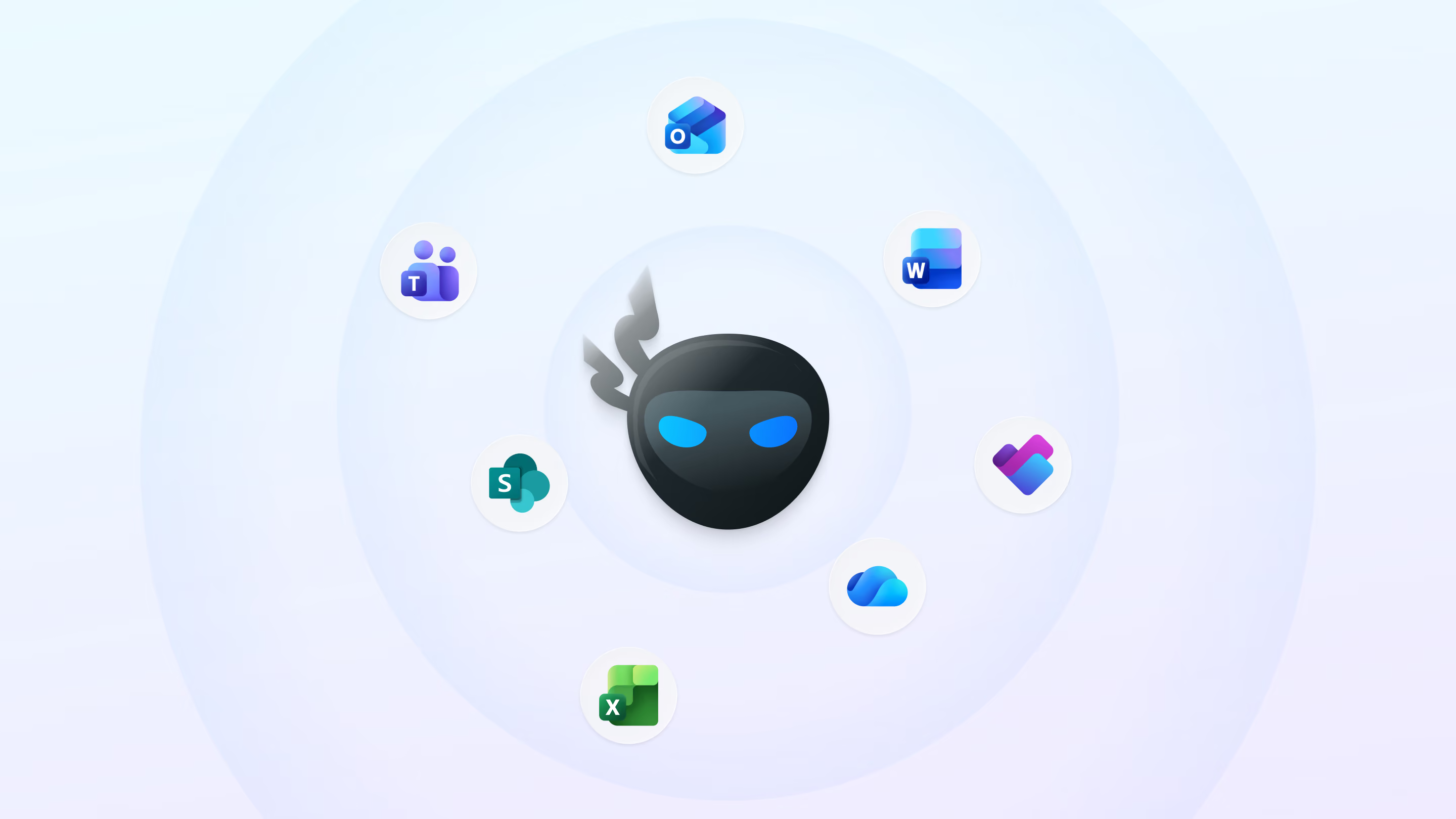
Connects to every Microsoft tool — and everything else. Via Pipedream (2,700+ apps): Outlook, Teams, Excel, Word, SharePoint, OneDrive, Planner, To Do plus HubSpot, Stripe, Slack, Google, QuickBooks. Copilot is walled inside Microsoft.
Runs on triggers & schedules. An always-on employee — "every Monday 7am, reconcile Stripe → post the summary in Teams" — not only when you're typing.
A real virtual computer, not an in-app plugin — it browses, runs code, files, and operates tools that have no API.
Multi-step, multi-app workflows in one instruction: read Outlook → update Excel → message Teams → create a Planner task.
Flat, predictable pricing vs Copilot's per-seat + usage-based / per-credit billing.
Deep Research with verified citations and full transparency — watch the agent work, far beyond code completion.
The difference that matters
SuperNinja extends Copilot across your entire Microsoft stack
Copilot can only act where Microsoft lets it. SuperNinja uses Pipedream to securely connect to all your Microsoft 365 tools — and 2,700+ others, then actually performs the task: pulls the data, does the analysis, updates the doc, sends the message, books the follow-up.



.svg)



Quick comparison at a glance
Switch to SuperNinja in under two minutes
Step 01
Step 02
Step 03
Ready to go from suggestions to done?
Deploy an autonomous AI employee that works across every Microsoft tool — and the rest of your stack.
Frequently Asked Questions
What is the best GitHub Copilot alternative in 2026?
SuperNinja — it goes beyond in-IDE completion to autonomous, multi-app task execution, connecting to your whole stack and completing work end to end.
What is the best Microsoft 365 Copilot alternative?
SuperNinja connects to every Microsoft 365 tool and the rest of your apps, and it completes the work rather than only drafting inside Office.
How much does GitHub Copilot cost in 2026?
$10 Pro, $19 Business, and $39 Enterprise per user per month, plus usage-based premium requests.
How much does Microsoft 365 Copilot cost in 2026?
$30/user/month as the enterprise add-on (annual); $18/user/month for small business through June 30 2026; Copilot Studio agents are billed by consumption.
Can SuperNinja connect to Microsoft 365 tools?
Yes — Outlook, Teams, Excel, Word, SharePoint, OneDrive, Planner and To Do via Pipedream, and it operates them for you, not just reads them.
What's the difference between Copilot and an AI agent like SuperNinja?
Copilot assists inside an app and waits for you; SuperNinja autonomously executes whole workflows across many apps, on triggers and schedules.
Can SuperNinja run tasks automatically on a schedule?
Yes — it runs unattended on triggers and schedules, like a real employee.
Is Copilot only for Microsoft apps?
Largely, yes. SuperNinja works across 2,700+ apps far beyond Microsoft.
Does SuperNinja write and run code?
Yes, on a full virtual computer — not just IDE suggestions.
Can I switch from Copilot to SuperNinja easily?
Yes — sign up and connect your tools in under two minutes.
