OpenAI Developers spotlights how SuperNinja Enterprise runs long-running agents on GPT-6 Astra and Codex, and how prompt caching cut one customer’s cost per run from about $50 to $14.50.
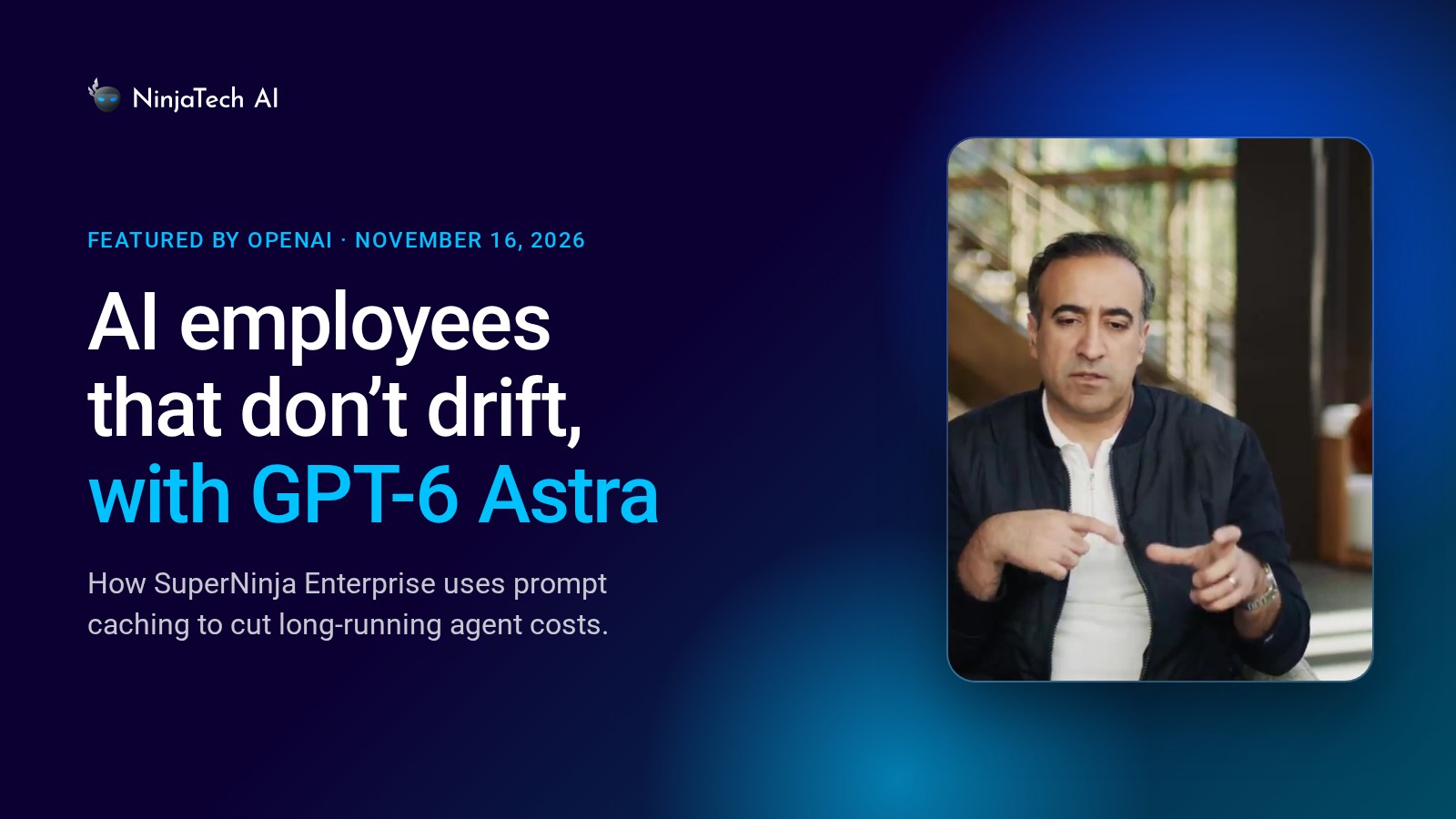
OpenAI Developers has featured NinjaTech AI in a new video, “AI Employees That Don’t Drift, with Astra”, shared on LinkedIn on November 16, 2026. In it, founder and CEO Babak Pahlavan explains how SuperNinja Enterprise builds AI assistants that write and run code on the user’s behalf.
One virtual machine per agent, with GPT-6 Astra as the manager
Each SuperNinja agent gets its own virtual machine, where Codex writes the code. GPT-6 Astra keeps the agents focused on the user’s goal.
“The way our system is set up is that we have a meta harness that spins out virtual machines per agent, and within the virtual machines it spins out Codex to write code on behalf of the user,” said Pahlavan. “We collaborated with the OpenAI team and we found out that GPT-6 Astra is an excellent manager. It keeps our agents on track. It keeps reminding them about the goals and the memory that the agents have.”
Prompt caching keeps long-running agents affordable
That work often spans many turns. When an assistant asks the user a question, the answer may come minutes later. SuperNinja uses OpenAI’s default 30-minute prompt cache, so the assistant can reuse the unchanged part of the conversation at the cached rate, and each cache hit keeps it eligible for at least another 30 minutes.
“What sets your AI bill is actually how often you can take advantage of caching,” said Pahlavan. He described a customer whose daily document-analysis job became an hourly one: “Without this caching advantage, it used to be about $50 per round, and now the new cost is about $14.50. And the end winners of this are the customers, because they get to enjoy a lot more cost-effective way of using long-running agents.”
Prompt caching tips from OpenAI
In the same post, OpenAI shared how teams building personal assistants can get the most out of prompt caching:
- On GPT-5.6 and later, caching works across requests that share an identical beginning (a prefix): instructions, tool definitions, earlier messages and tool results. Adding the user’s reply as a new message keeps the prefix; editing an earlier message or reordering tools shortens the match.
- To mark a reusable prefix explicitly, set a cache breakpoint on the content block with the shared instructions, before the user’s question.
- For instructions or reference material reused hours later, the Responses API also offers a 12-hour cache window, and the API response shows how many input tokens were billed at the cached rate.
Read OpenAI’s guide: How to optimize prompt caching.
About NinjaTech AI
NinjaTech AI builds SuperNinja Enterprise, an AI workforce platform that deploys inside the customer’s own cloud or data center and puts long-running AI agents to work around the clock on a fixed annual bill. For more information, visit ninjatech.ai.
Source: OpenAI Developers on LinkedIn