Introduction: The Website Builder Revolution
Building a website has never been easier—or more confusing. The market offers everything from traditional drag-and-drop builders to revolutionary AI platforms that create entire sites from a single conversation. With dozens of options competing for your attention, choosing the right website builder has become a significant decision.
The landscape has fundamentally shifted in 2026. AI website builders have matured from novelty to necessity, offering capabilities that make traditional builders feel antiquated. Yet established platforms continue to evolve, adding AI features while maintaining the hands-on control many users prefer.
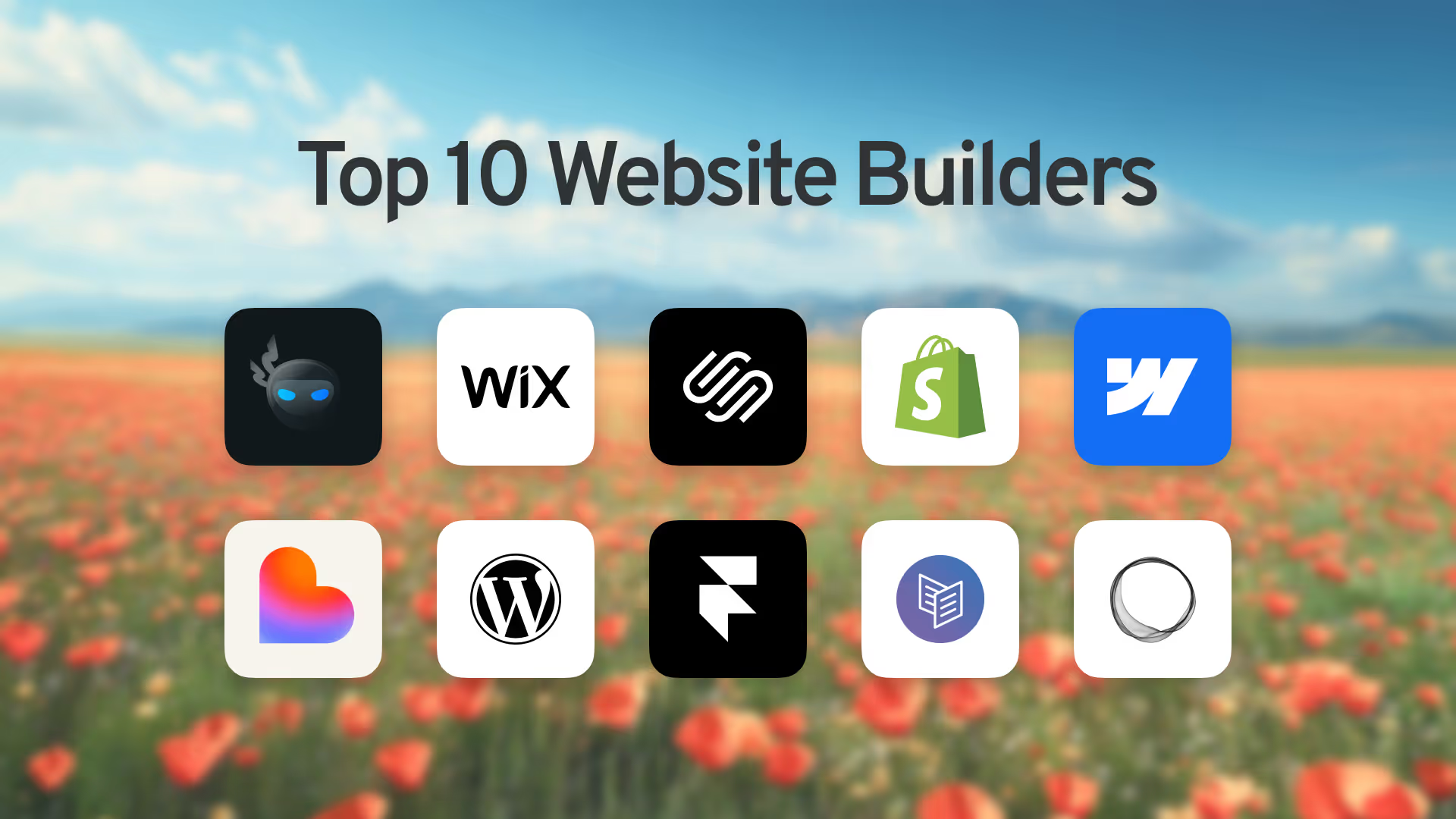
This guide examines the 10 best website builders available today, spanning the full spectrum from AI-first platforms to traditional builders. Whether you're a small business owner, entrepreneur, designer, or developer, you'll find the right tool for your needs.
Quick Comparison: Top 10 Website Builders
1: SuperNinja – Best AI-Powered Website Builder
The Conversational Approach to Web Development
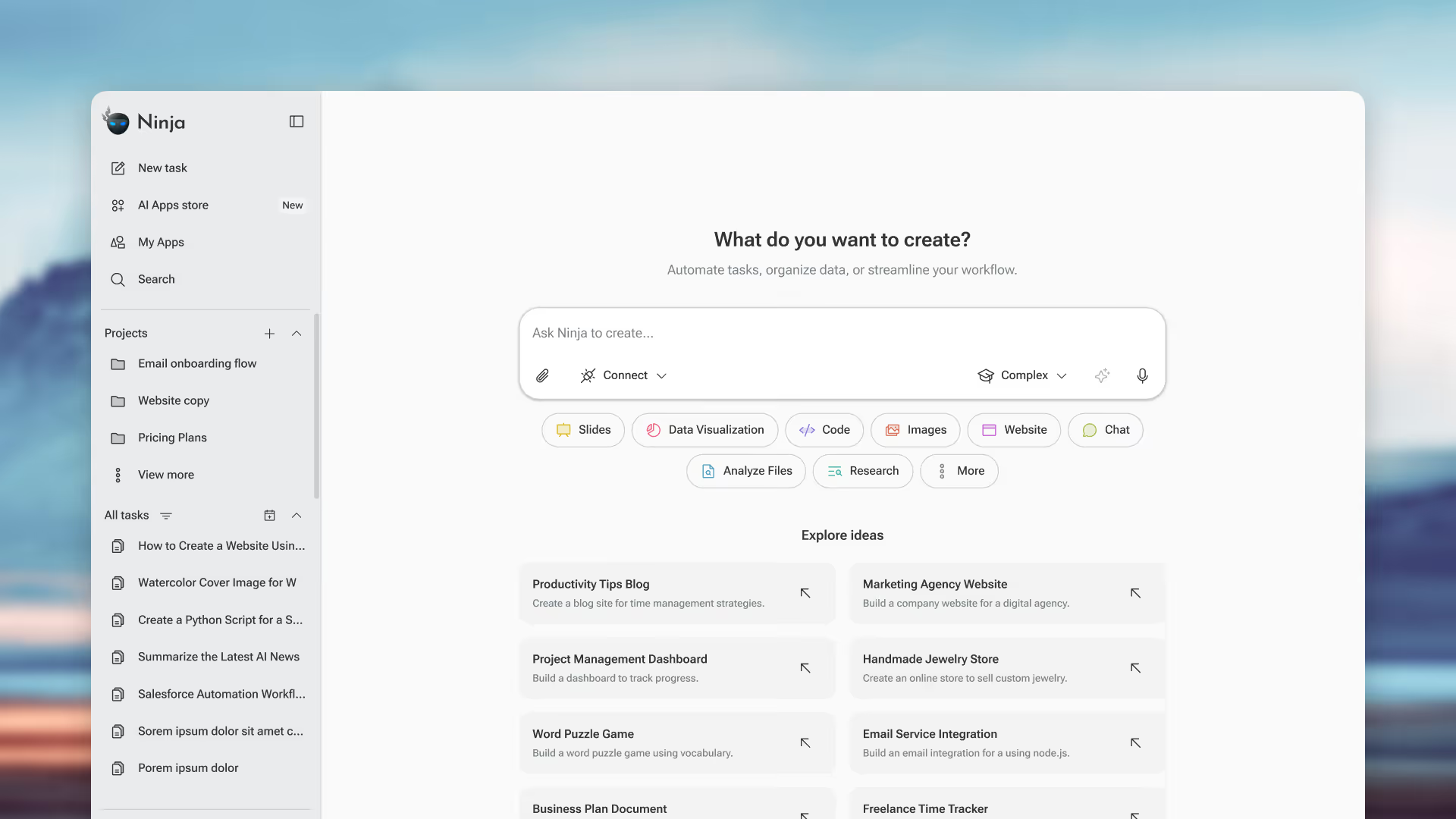
SuperNinja by NinjaTech AI represents a fundamental shift in how websites get built. Instead of dragging elements, choosing templates, or writing code, you simply describe what you want. SuperNinja's AI agents handle everything else—from researching your industry to designing layouts to writing copy to deploying your finished site.
How SuperNinja Changes Everything
Traditional website builders give you tools. SuperNinja gives you results. The difference is profound:
Comprehensive Capabilities
Key Features
- Mulitple AI Models: Leverages GPT-5, Claude Sonnet 4.5, and specialized models
- Secure VM Environment: Each project runs in isolated infrastructure
- Custom Domain Support: Connect your own domain or purchase through platform
- SEO Built-In: Automatic optimization for search engines
- Full-Stack Capability: Handles both frontend and backend needs
- Ongoing Support: Make changes anytime through conversation
Pricing
Who Should Choose SuperNinja
- Entrepreneurs who need websites fast
- Small business owners without technical skills
- Professionals who value time over process
- Anyone who wants results without learning curves
2: Wix – Best for Hands-On Customization
The Established Leader
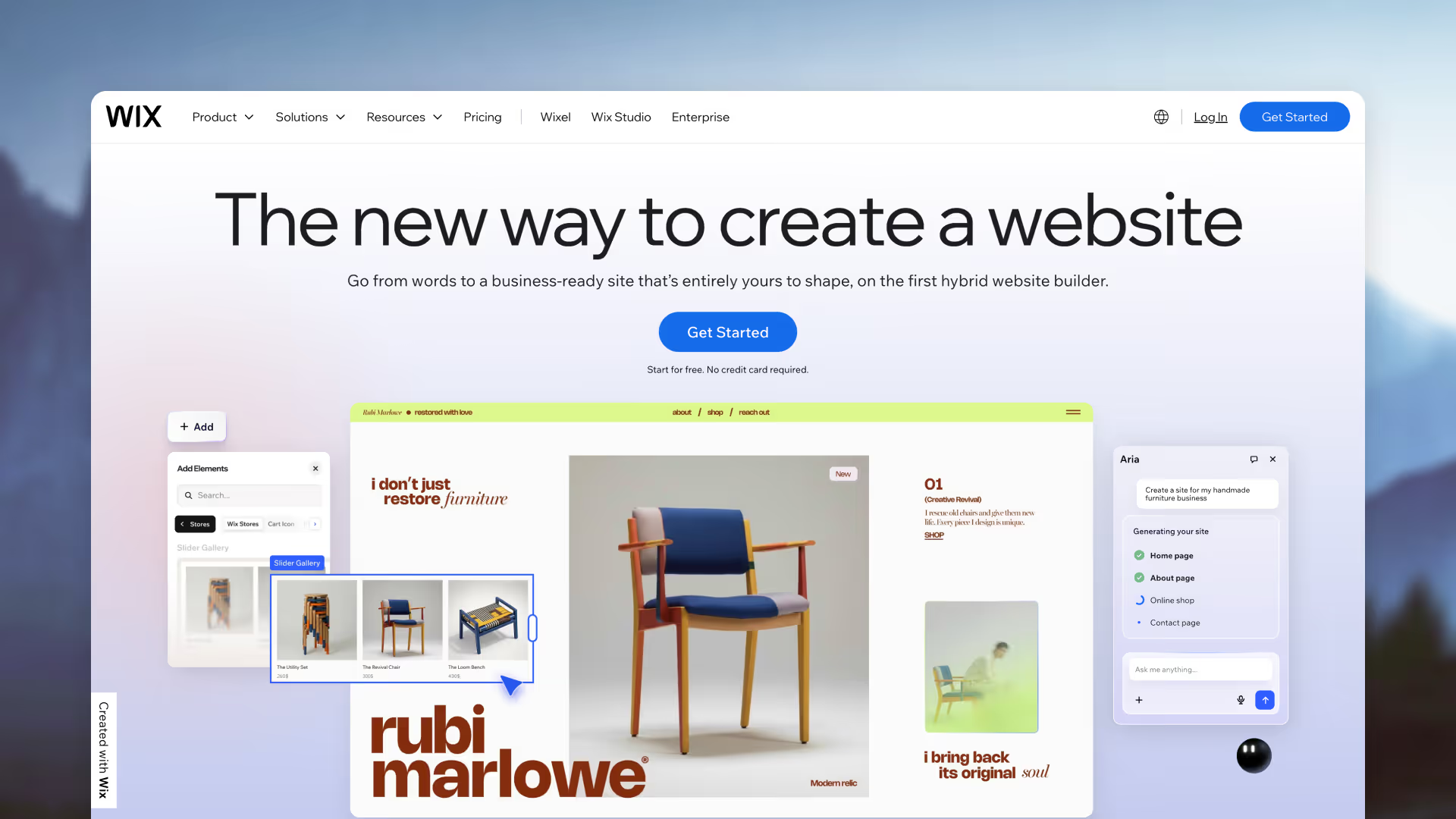
Wix has earned its position as the world's most popular website builder through continuous innovation and user-friendly design. For those who enjoy the creative process of building their own site, Wix offers unmatched flexibility within a drag-and-drop interface.
What Makes Wix Stand Out
- True Drag-and-Drop: Place anything anywhere on the page
- 2,000+ Templates: Starting points for every industry
- 800+ Apps: Extend functionality endlessly
- Wix ADI: AI-assisted design for faster starts
- Built-in SEO Tools: Optimization guidance included
Pros & Cons
Pricing
Best For
DIY enthusiasts who want complete control over their website design and don't mind investing time in the building process.
3: Squarespace – Best for Stunning Design
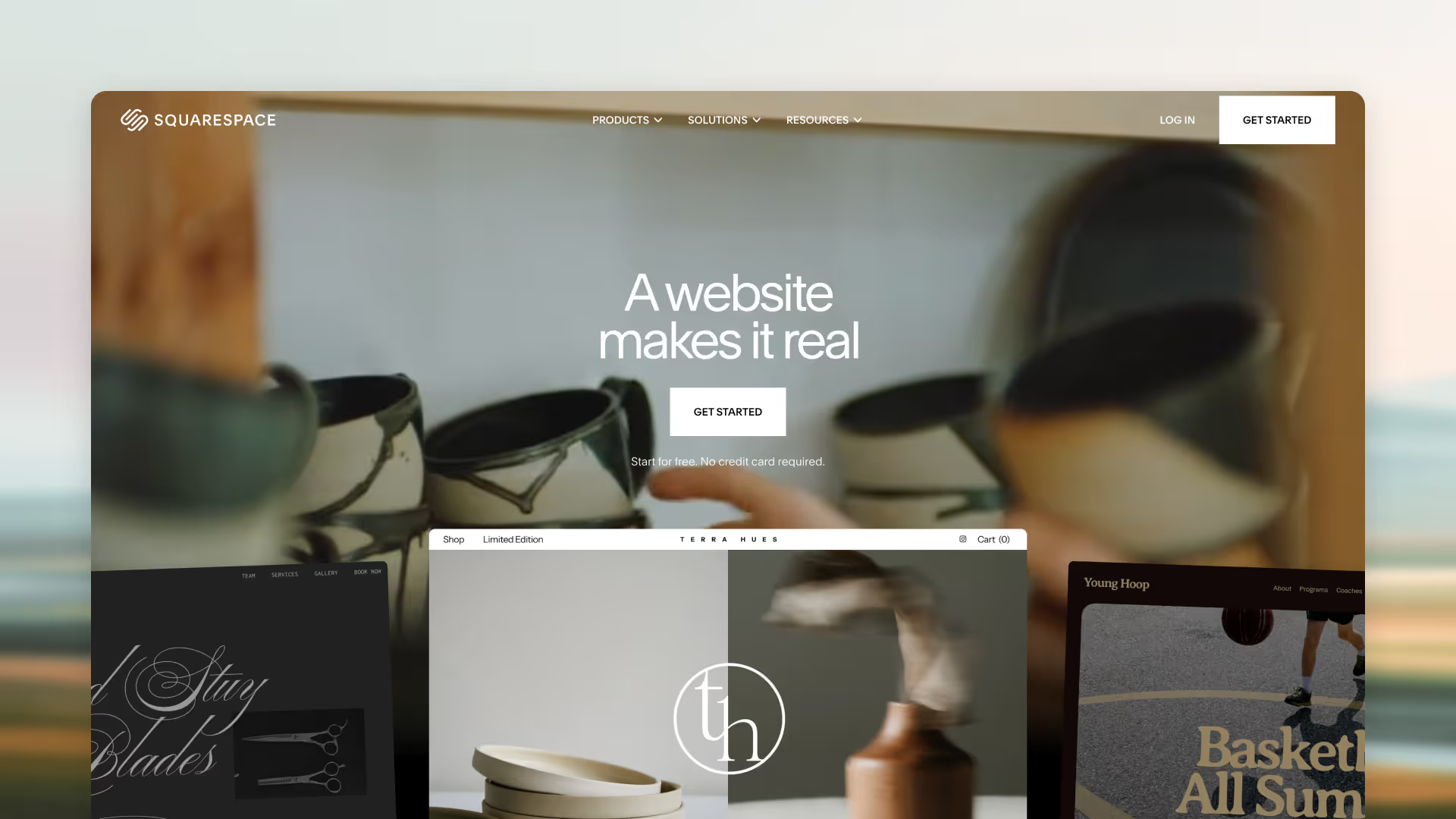
Where Aesthetics Meet Functionality
Squarespace has built its reputation on one thing: beautiful websites. Its award-winning templates and design-focused approach make it the go-to choice for creatives, artists, and anyone who prioritizes visual impact.
Design Excellence
- Award-Winning Templates: The best-looking designs in the industry
- Fluid Engine Editor: Modern, flexible layout system
- Built-in Blogging: Excellent content management
- All-in-One Platform: E-commerce, scheduling, email marketing included
Pros & Cons
Pricing
Best For
Photographers, designers, artists, and anyone whose website needs to make a strong visual impression.
4: Shopify – Best for E-Commerce
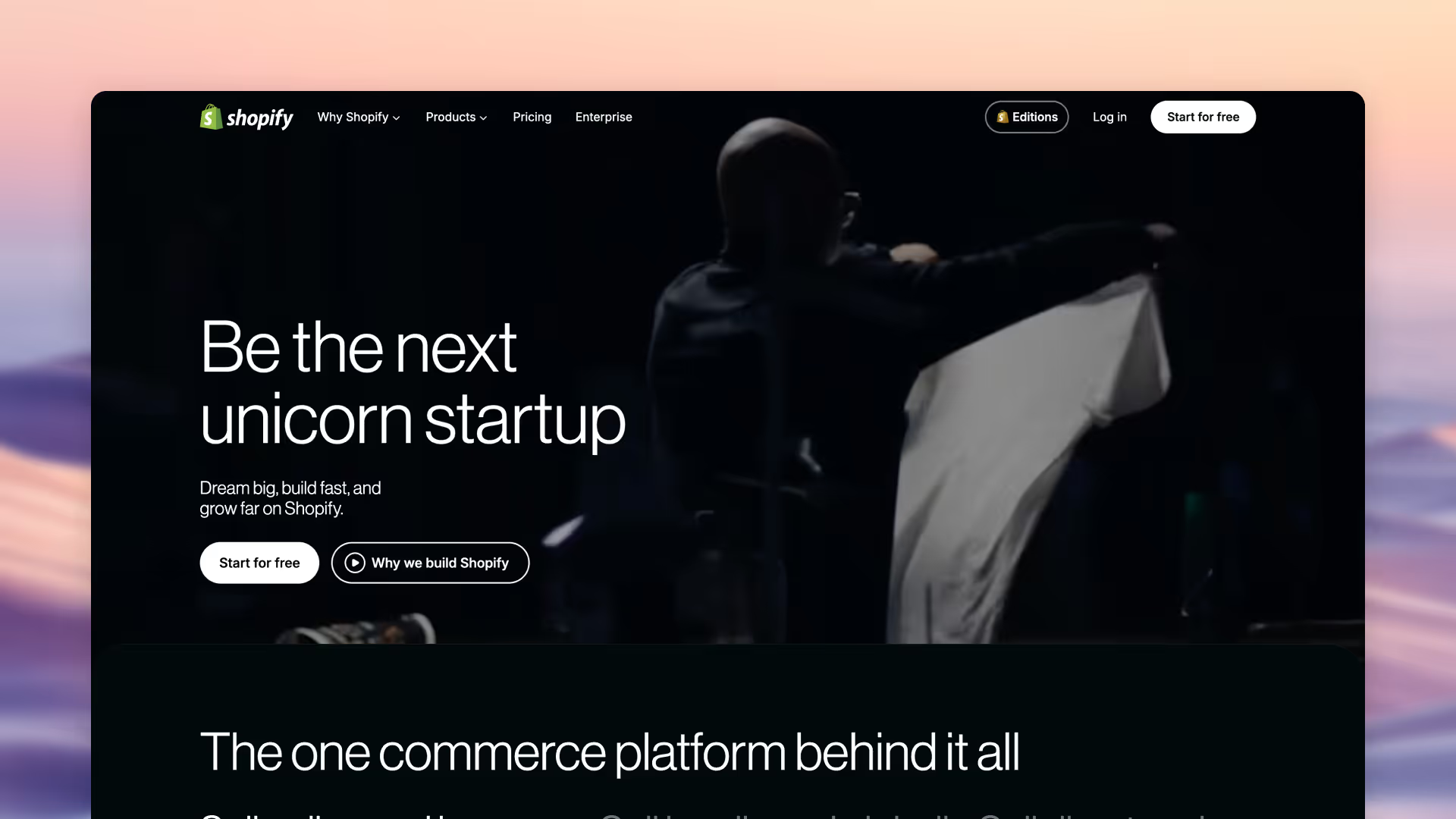
The E-Commerce Powerhouse
When selling online is your primary goal, Shopify is the undisputed champion. Every feature is designed to help you sell more, from inventory management to abandoned cart recovery to multi-channel selling.
E-Commerce Excellence
- Complete Sales Tools: Everything needed to run an online store
- Multi-Channel Selling: Website, social media, marketplaces
- 8,000+ Apps: Extend any functionality
- Shopify Payments: Simplified payment processing
- 24/7 Support: Always available help
Pros & Cons
Pricing
Best For
Anyone serious about selling online, from small shops to large retailers.
5: Webflow – Best for Professional No-Code Design
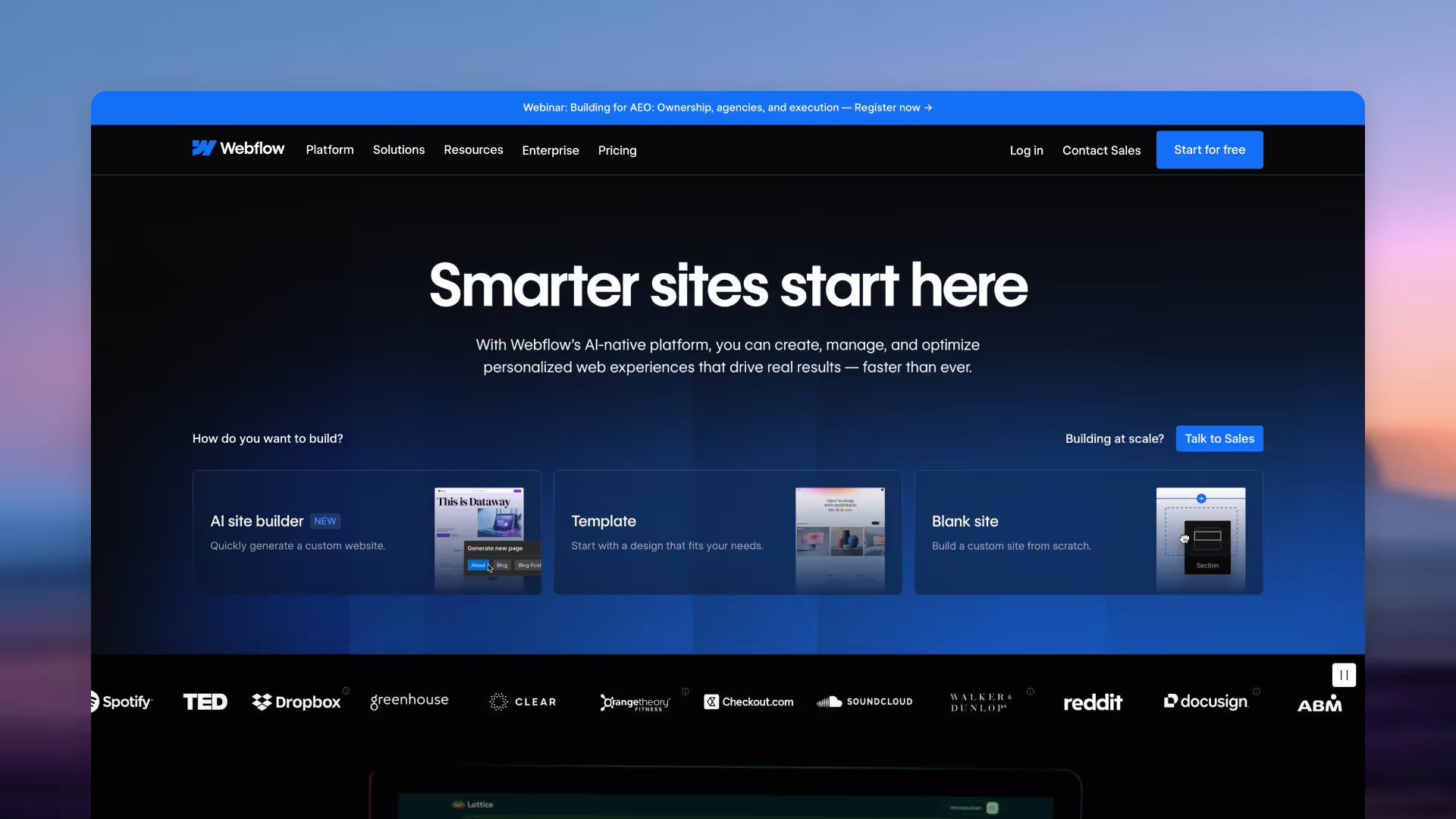
Developer Power Without Code
Webflow bridges the gap between website builders and custom development. It gives designers and developers the power of code through a visual interface, producing clean, professional websites that rival hand-coded sites.
Professional Features
- Visual Canvas Editor: Control HTML, CSS, and JavaScript visually
- Advanced CMS: Truly custom content types
- Custom Interactions: Sophisticated animations
- Clean Code Export: Take your code anywhere
- Hosting Included: Fast, reliable hosting
Pros & Cons
Pricing
Best For
Professional designers, agencies, and developers who need custom results without writing code.
6: Lovable – Best for AI-Powered Prototyping
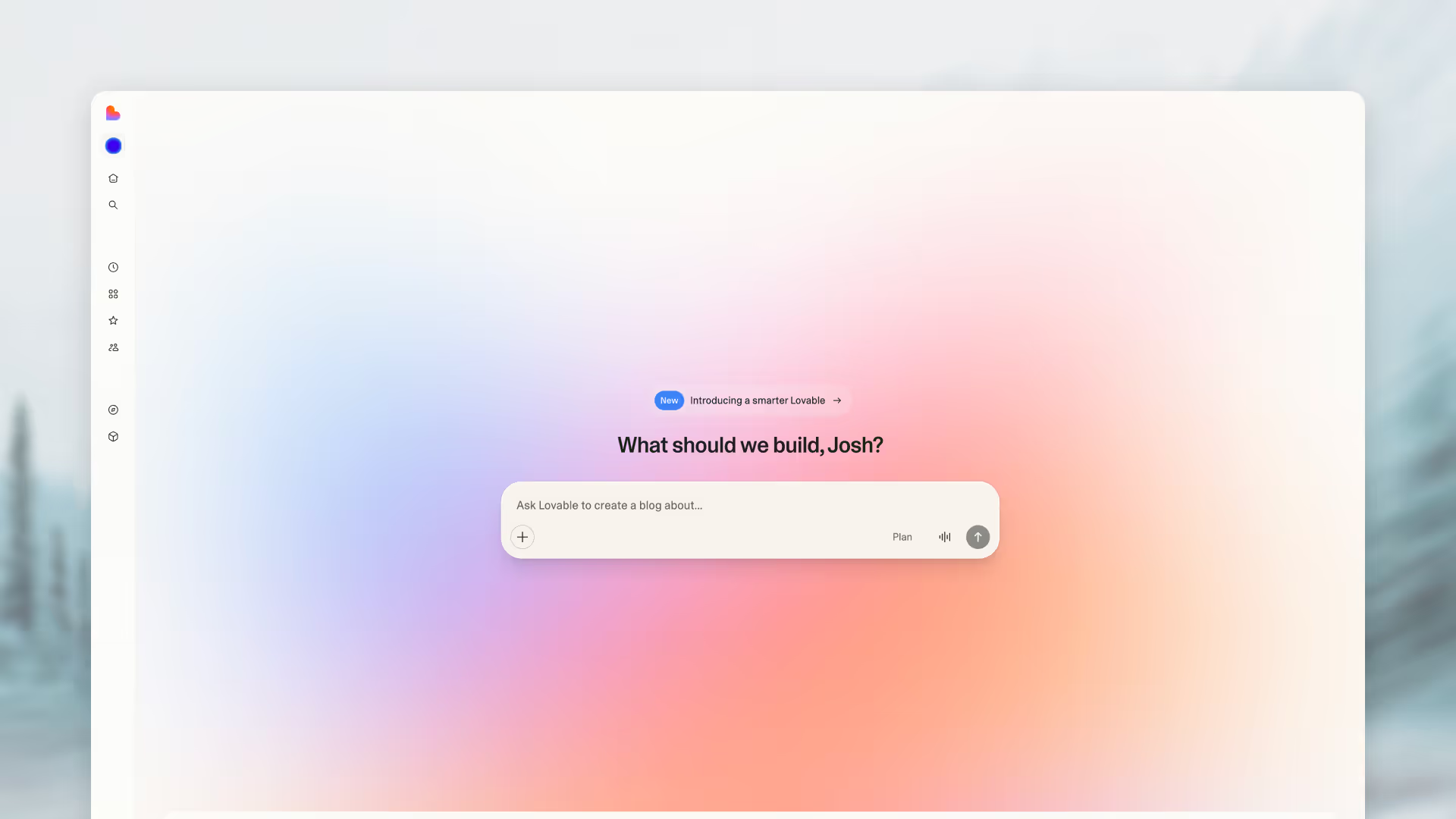
Chat-Based Development
Lovable represents the new wave of AI website builders, generating real code from natural language conversations. It's particularly strong for creating beautiful, modern web applications quickly.
AI-First Approach
- Chat-Based Creation: Describe what you want, get working code
- Agent Mode: Autonomous feature building
- Editable Source Code: Full access to generated code
- Full-Stack Capability: Frontend and backend support
Pros & Cons
Pricing
Best For
Developers and technical founders who want to accelerate development with AI assistance.
7: WordPress – Best for Flexibility and Content
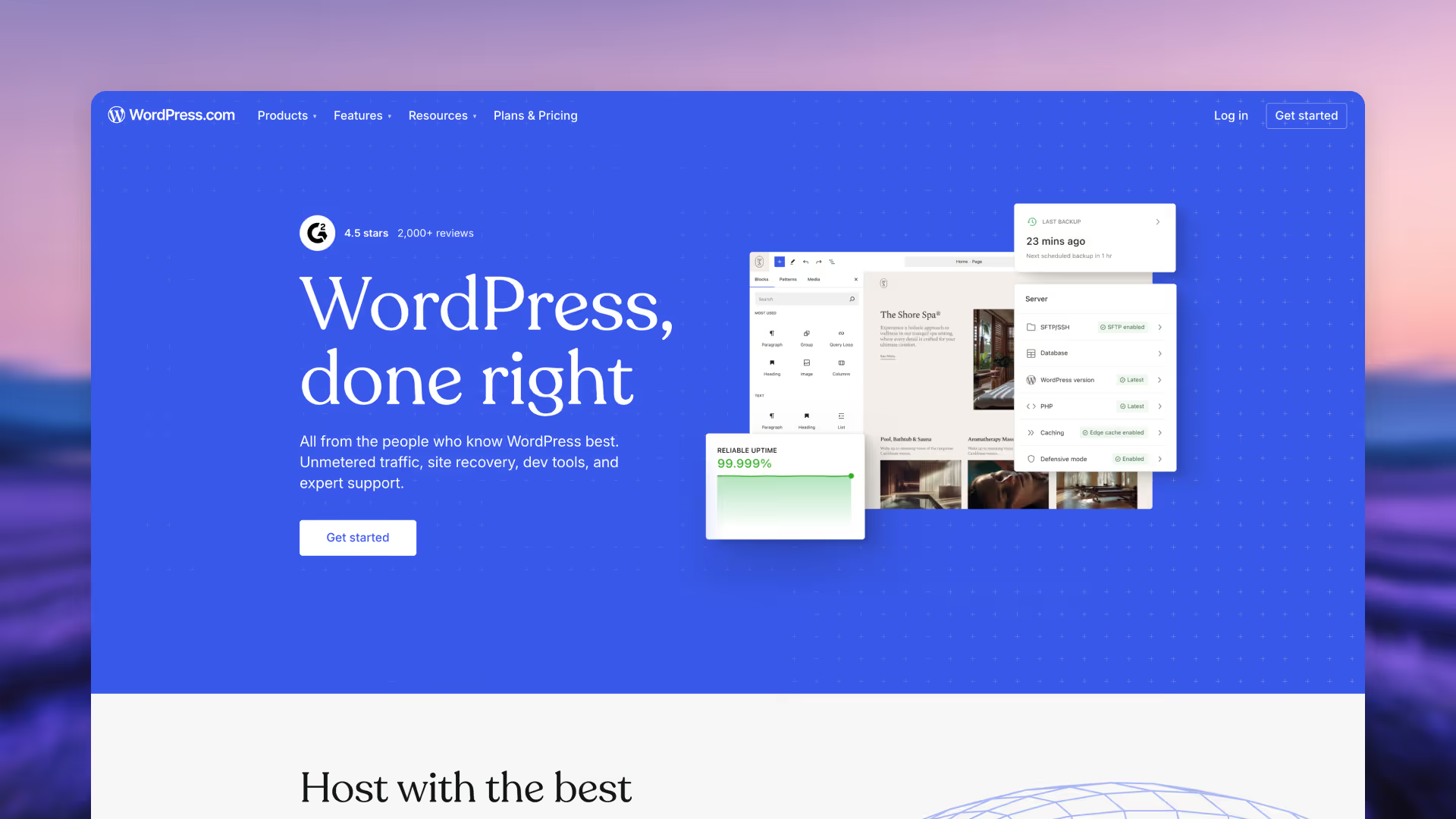
The Content Management Giant
WordPress powers over 40% of all websites for good reason. Its flexibility, extensibility, and massive ecosystem make it capable of building virtually anything, from simple blogs to complex web applications.
Unmatched Flexibility
- Open Source: Complete control and ownership
- 60,000+ Plugins: Functionality for everything
- Thousands of Themes: Design options galore
- SEO Strength: Excellent search optimization
- Community Support: Massive knowledge base
Pros & Cons
Pricing
Best For
Content creators, bloggers, and anyone who wants maximum control and flexibility.
8-10: Specialized Solutions
How to Choose the Right Website Builder
Choose SuperNinja if:
- You want a website fast without learning new tools
- You value results over the building process
- You need AI to handle content creation
- You want ongoing AI assistance for updates
Choose Wix if:
- You enjoy hands-on design work
- You want maximum customization control
- You have time to invest in building
Choose Squarespace if:
- Visual design is your top priority
- You're in a creative field
- You want an all-in-one solution
Choose Shopify if:
- Selling products is your primary goal
- You need robust e-commerce features
- You plan to scale your online store
Choose Webflow if:
- You're a professional designer or developer
- You need custom, complex functionality
- You want clean, exportable code
By Use Case
By Technical Skill
The AI Website Builder Advantage
Why AI Changes Everything
Traditional website builders require you to:
- Learn the platform
- Make design decisions
- Write all content
- Find and optimize images
- Configure technical settings
AI website builders like SuperNinja handle all of this automatically. You provide direction; AI provides execution.
SuperNinja's Unique Position
While other AI builders focus on specific aspects (Lovable on code, others on templates), SuperNinja offers complete autonomous capability:
- Research: Understands your industry and competitors
- Strategy: Plans optimal site structure
- Content: Writes compelling, SEO-optimized copy
- Design: Creates modern, responsive layouts
- Development: Builds functional, fast websites
- Deployment: Launches to your custom domain
- Maintenance: Handles ongoing updates
This end-to-end capability is why SuperNinja represents the future of website creation.
Frequently Asked Questions
What is the best website builder for beginners?
For true beginners who want results without learning, SuperNinja is ideal—just describe what you need. For those who want to learn building, Wix offers the gentlest learning curve among traditional builders.
Can AI really build a good website?
Yes. AI website builders like SuperNinja create professional-quality websites that often exceed what non-designers produce manually. The key is providing clear direction about your needs.
Which website builder is best for small business?
SuperNinja offers the best combination of speed, quality, and value for small businesses. It creates professional sites quickly without requiring design skills or significant time investment.
Should I use an AI website builder or traditional builder?
If you value the building process and want hands-on control, choose traditional. If you value results and want to save time, choose AI. SuperNinja offers the most comprehensive AI building experience.