

The Rise of Vibe Coding
The software development landscape has undergone a seismic shift. What once required years of programming expertise can now be accomplished through natural language conversations with AI. This revolutionary approach, known as "vibe coding," was coined by AI pioneer Andrej Karpathy in early 2025 and has since transformed from a novel concept into a mainstream development methodology that empowers creators of all technical backgrounds.
Vibe coding represents a fundamental paradigm shift in how we think about building software. Instead of wrestling with syntax, debugging cryptic error messages, and navigating complex frameworks, developers and non-developers alike can now describe what they want to build in plain English and watch as AI transforms their vision into functional code. The implications are profound: faster development cycles, democratized access to software creation, and the ability to iterate on ideas at unprecedented speed.
With the market now flooded with dozens of competing platforms, choosing the right vibe coding tool has become increasingly challenging. Each platform offers unique strengths, pricing models, and ideal use cases. This comprehensive guide examines the 12 best vibe coding tools available in 2026, providing detailed comparisons to help you select the perfect platform for your next project.
Quick Comparison: Top 12 Vibe Coding Tools
1: SuperNinja by NinjaTech AI – Best for End-to-End Autonomous Development
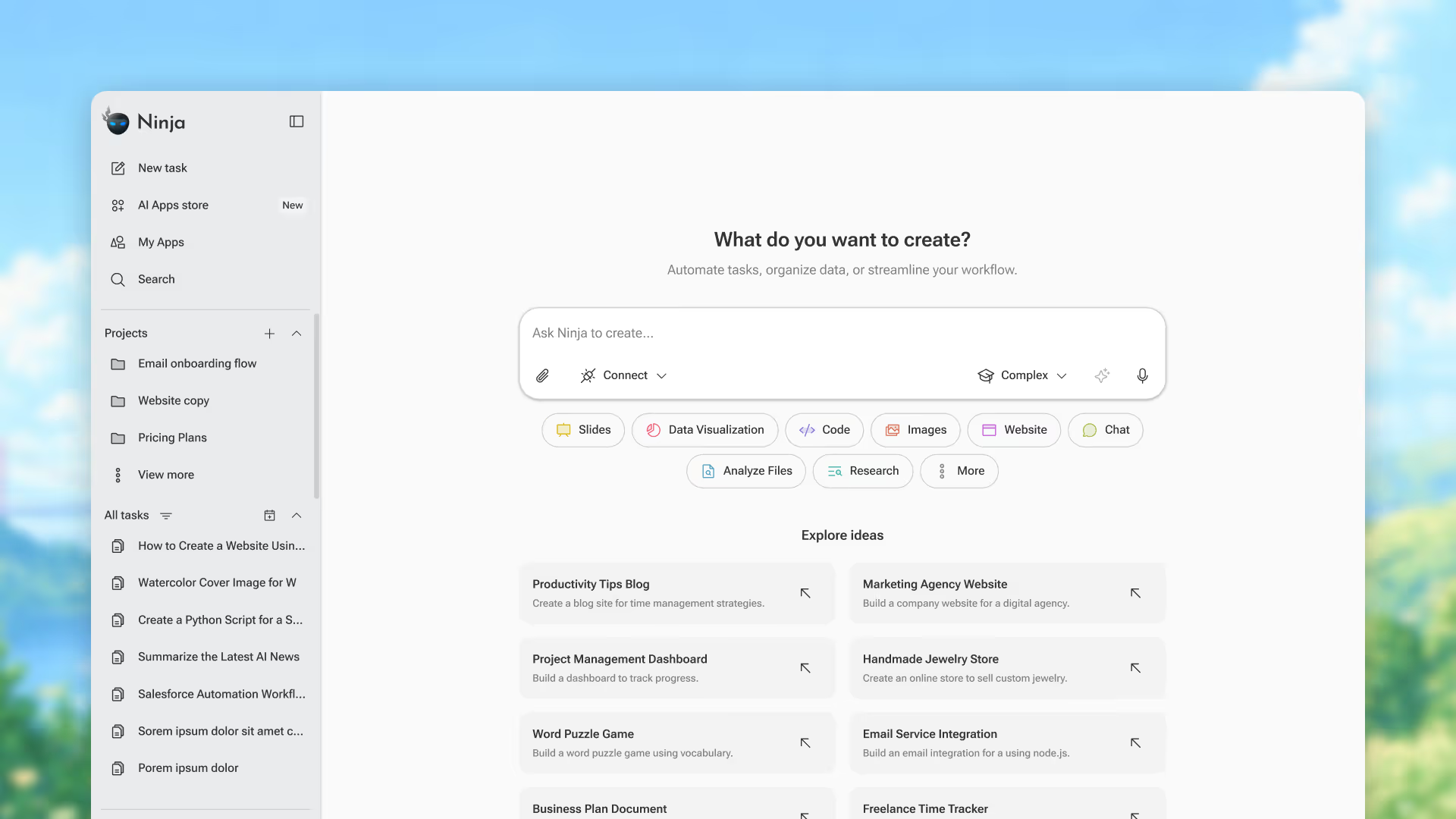
What sets SuperNinja apart is its revolutionary approach to AI-assisted development. Unlike traditional vibe coding tools that focus solely on code generation, SuperNinja operates as a complete autonomous AI agent with its own dedicated virtual machine. This means it can not only write code but also research solutions, install dependencies, test applications, and deploy finished products—all from a single natural language prompt.
Why SuperNinja Leads the Pack
SuperNinja represents the next evolution in vibe coding technology. Powered by NinjaTech AI's proprietary K2 model alongside access to over 10 leading AI models including GPT-5.4, Claude Sonnet 4.6, and Gemini 3.0 Pro, SuperNinja delivers unmatched versatility and intelligence. The platform's secure VM infrastructure ensures that every agent runs in its own dedicated virtual machine, providing enterprise-ready privacy and security.
Key Features
- Autonomous Task Execution: Describe your project once, and SuperNinja handles everything from research to deployment
- 10+ AI Models: Access GPT-5.4, Claude Sonnet 4.6, Gemini 3.0 Pro, and more in one platform
- Three Agent Modes: Fast mode for rapid prototyping, Standard for everyday building, Complex for sophisticated workflows
- Deep Research Capability: Conducts comprehensive research across multiple sources before writing a single line of code
- Secure VM Infrastructure: Every agent runs in its own dedicated virtual machine for maximum security
- Build, Deploy, Share: Create intelligent agent-powered apps and deploy them in hours, not months
Pricing
SuperNinja offers four tiers designed to scale with your needs:
- Free: $0/month - limited one time credits, limited AI models
- Pro: $19/month - 1,900 monthly credits, up to 5 seats, and 4 parallel tasks
- Business: $50/month - 5,000 monthly credits, unlimited seats, and unlimited parallel tasks
Who Is It Best For?
SuperNinja is ideal for entrepreneurs, developers, and teams who need to move from idea to deployed application with minimal friction. Whether you're building a startup MVP, automating business workflows, or creating complex web applications, SuperNinja's autonomous capabilities eliminate the traditional barriers between conception and execution.
2: Cursor – Best for AI-Powered Code Editing
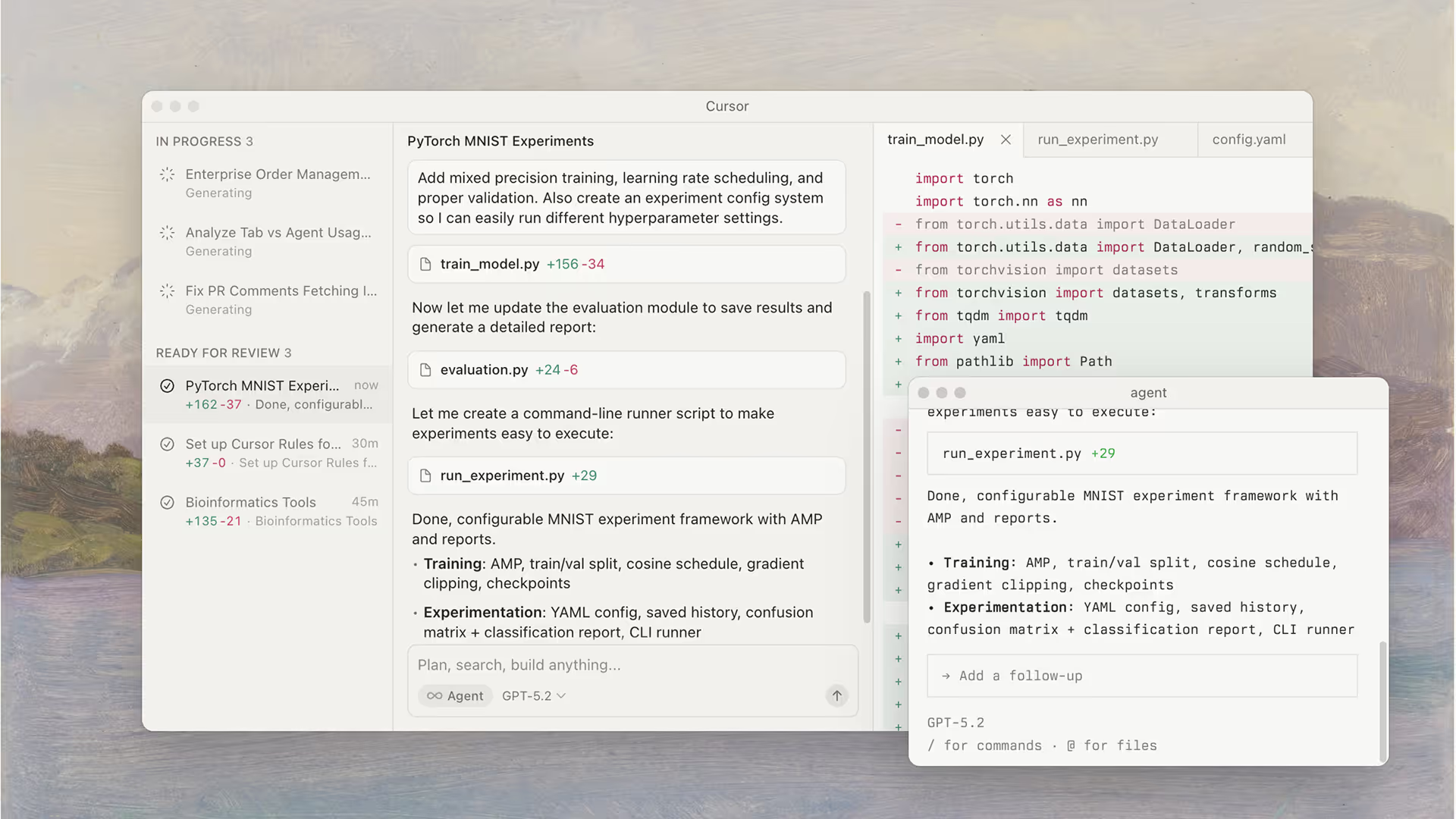
Cursor has established itself as the premier AI-native code editor, built on the familiar foundation of VS Code but reimagined from the ground up for the age of artificial intelligence. For developers who want to enhance their existing workflows rather than replace them entirely, Cursor offers the perfect balance of familiarity and innovation.
Key Features
- AI-Native IDE: Purpose-built for AI-assisted development with deep model integration
- Codebase-Wide Context: Understands your entire project for accurate, contextual suggestions
- Background Agents: Autonomous agents that work on tasks while you focus elsewhere
- In-line Chat: Ask questions about your codebase without leaving your editor
- Multi-Language Support: Works across all major programming languages
Pros & Cons
Pricing
- Free Tier: Limited AI requests for evaluation
- Pro Plan: $20/month with extended agent limits and unlimited tab completions
- Business/Enterprise: Custom pricing with team features
Who Is It Best For?
Cursor excels for experienced developers who want to supercharge their existing workflow. It's particularly powerful for those working on large codebases who need an AI that truly understands their project's architecture.
3: Replit – Best All-in-One Development Platform
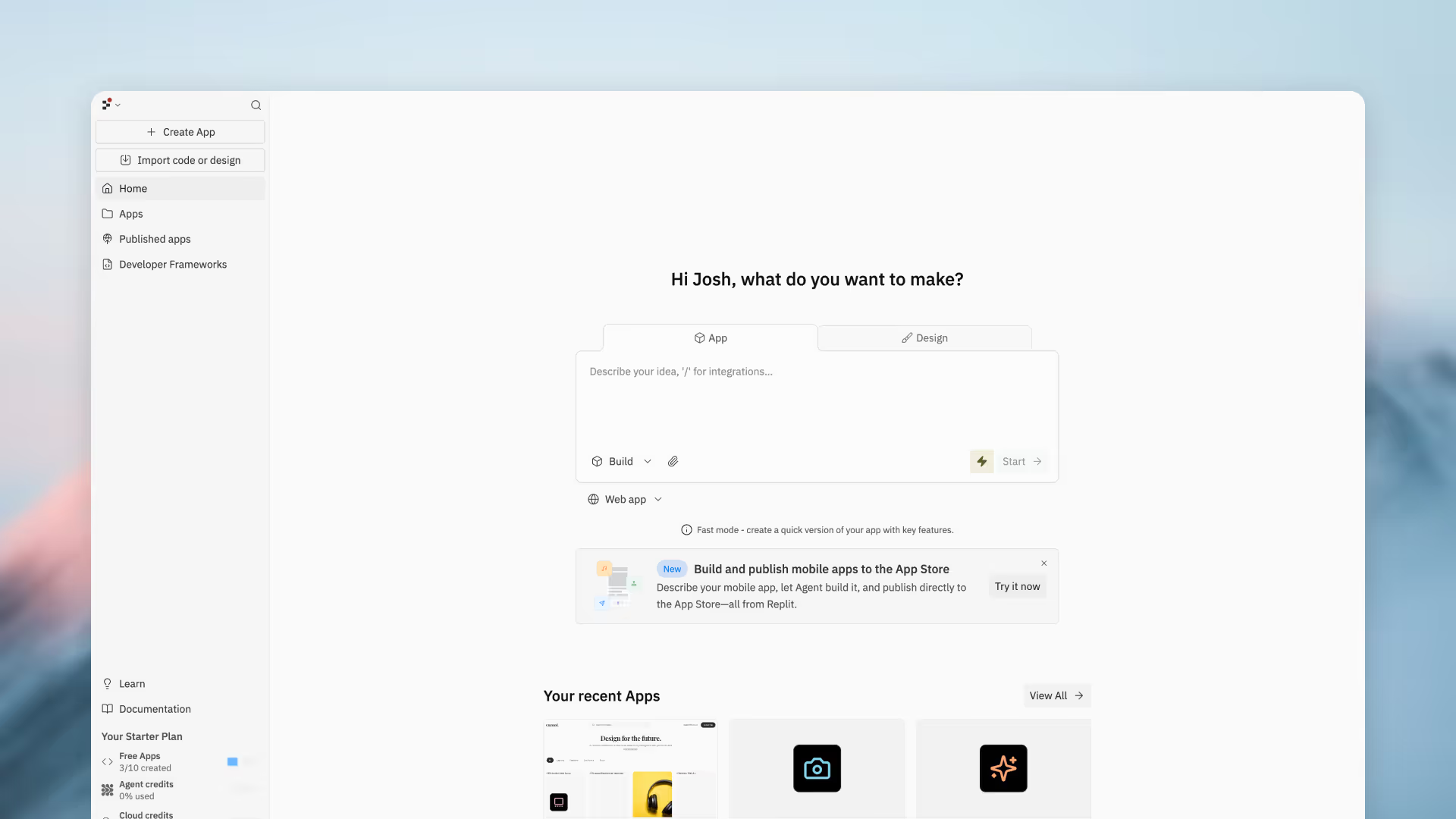
Replit combines the power of an AI coding assistant with a complete cloud-based development environment. The platform's ability to take users from idea to deployed application without ever leaving the browser makes it uniquely powerful for rapid prototyping and collaborative projects.
Key Features
- AI Agent: Plans and builds entire applications autonomously
- Built-in Everything: Code editor, terminal, database, and hosting in one platform
- One-Click Deployment: Go live instantly without configuring servers
- Real-Time Collaboration: Work with teammates simultaneously
- Mobile App: Code on the go from any device
Pros & Cons
Pricing
- Free Tier: Basic projects and limited compute
- Replit Core: $20/month (billed annually) with $25 monthly AI/compute credits
Who Is It Best For?
Replit is perfect for those who want an all-in-one solution without managing infrastructure. It's particularly excellent for educators, students, and developers who value the ability to code from anywhere.
4: Lovable – Best for Creating Beautiful Web Applications
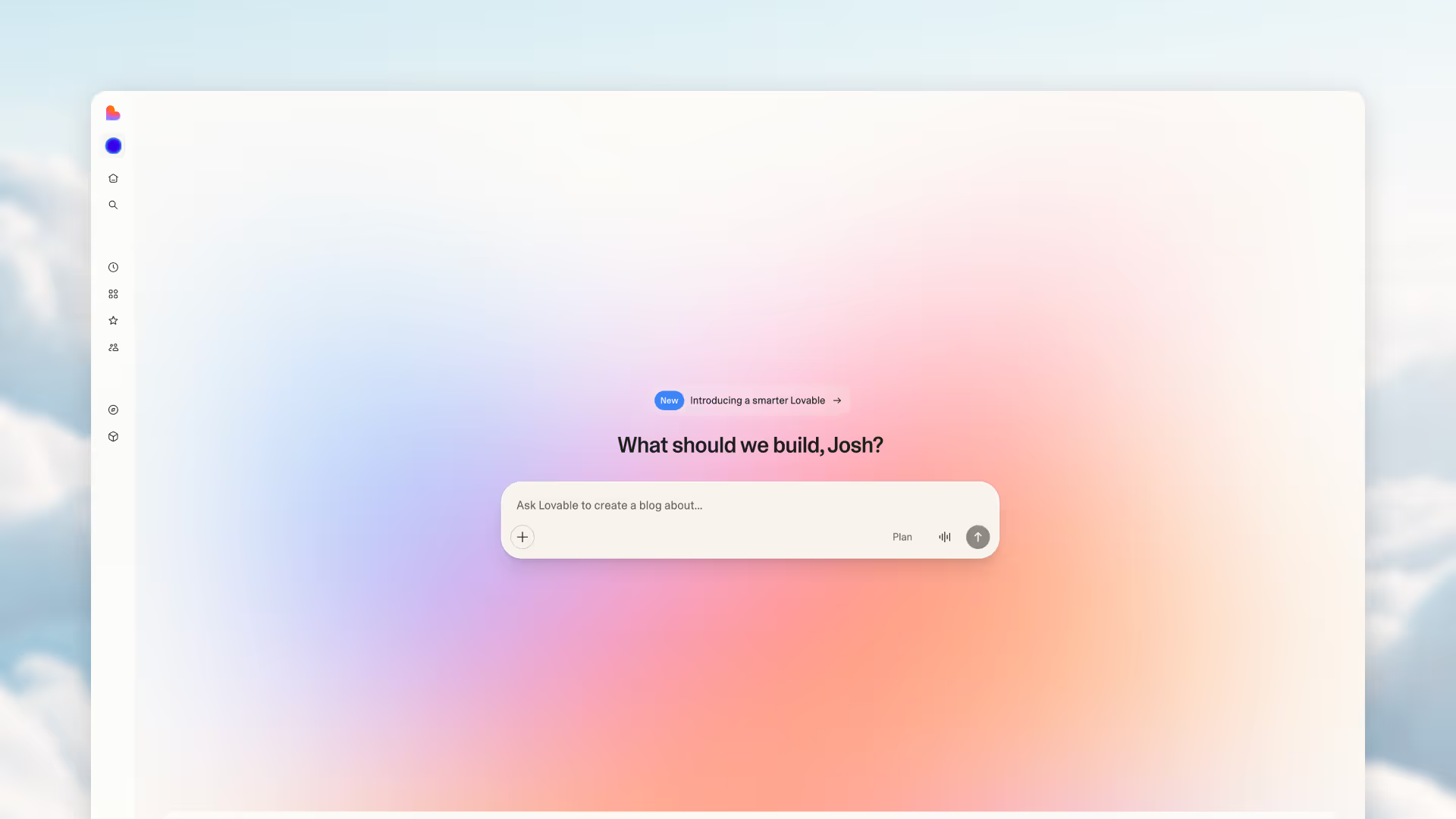
When visual design is paramount, Lovable stands out as the vibe coding tool of choice. Its laser focus on generating stunning, modern user interfaces makes it the go-to platform for designers, product managers, and entrepreneurs who prioritize aesthetics.
Key Features
- AI-Generated UIs: Modern, polished designs generated from natural language
- Supabase Integration: Built-in backend functionality for data persistence
- Real-Time Preview: See your application come to life as you describe it
- Framework Export: Easy export to popular frameworks for further customization
- Collaborative Editing: Work with team members in real-time
Pros & Cons
Pricing
- Free Tier: Limited generations for evaluation
- Paid Plans: Starting at $25/month for 100 credits
Who Is It Best For?
Lovable is invaluable for designers, product managers, and entrepreneurs who need to create polished prototypes quickly without sacrificing visual quality.
5: Bolt.new – Best for Rapid Prototyping
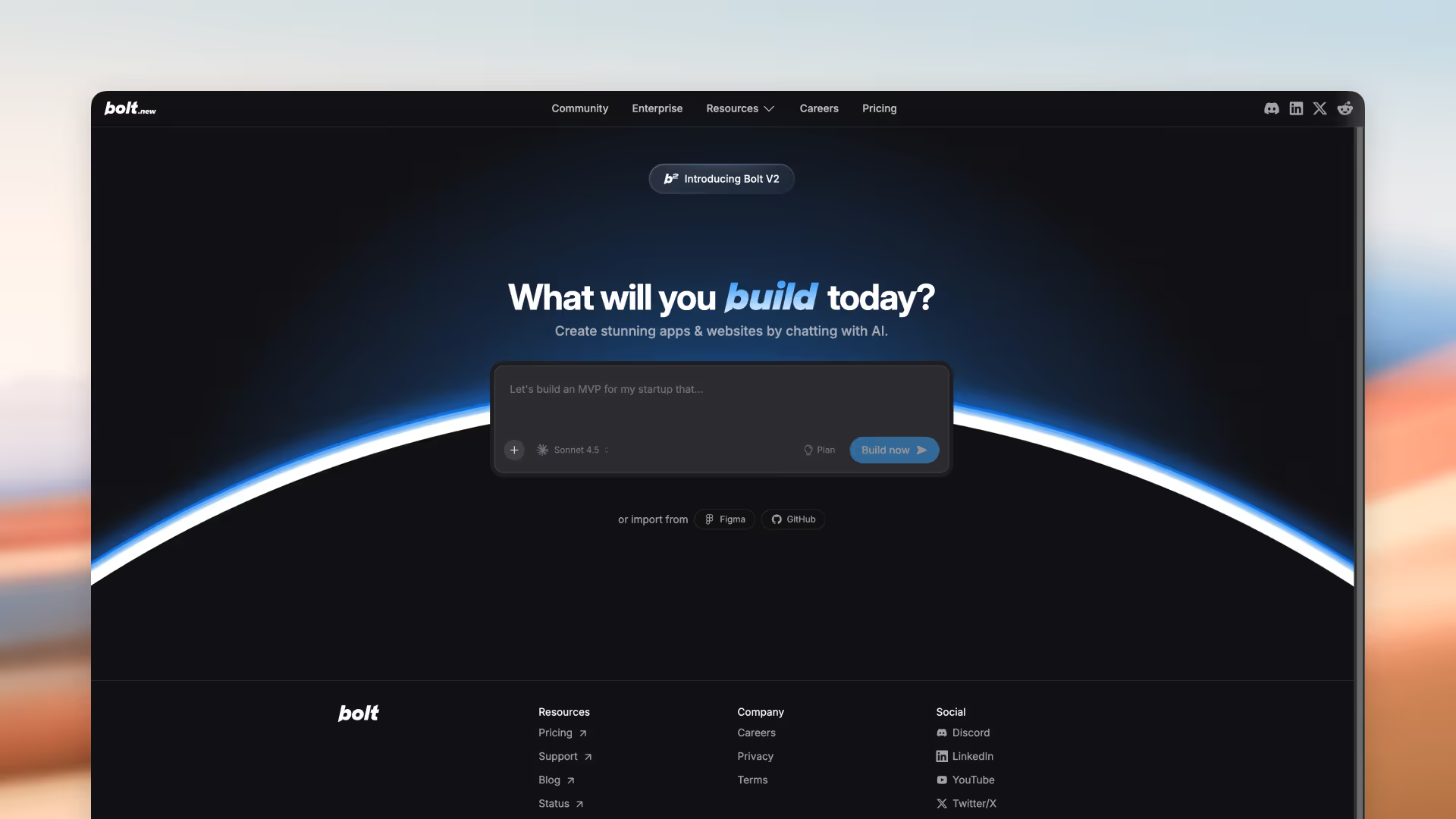
Speed is Bolt.new's defining characteristic. For developers who need to quickly test concepts before committing to a full build, Bolt.new enables rapid iteration and experimentation across multiple frameworks with minimal friction.
Key Features
- Lightning-Fast Generation: Get working code in seconds
- Multi-Framework Support: React, Vue, Svelte, and more
- In-Browser Development: No local setup required
- Easy Sharing: Share prototypes with stakeholders instantly
- Design Tool Integration: Import from popular design tools
Pros & Cons
Pricing
- Free Tier: Daily token limit for casual use
- Pro Plans: Starting at $25/month for more tokens and features
Who Is It Best For?
Bolt.new is ideal for developers and designers who need to quickly test ideas and create throwaway prototypes. It's less suited for production applications without significant cleanup.
6: v0 by Vercel – Best for UI Component Generation
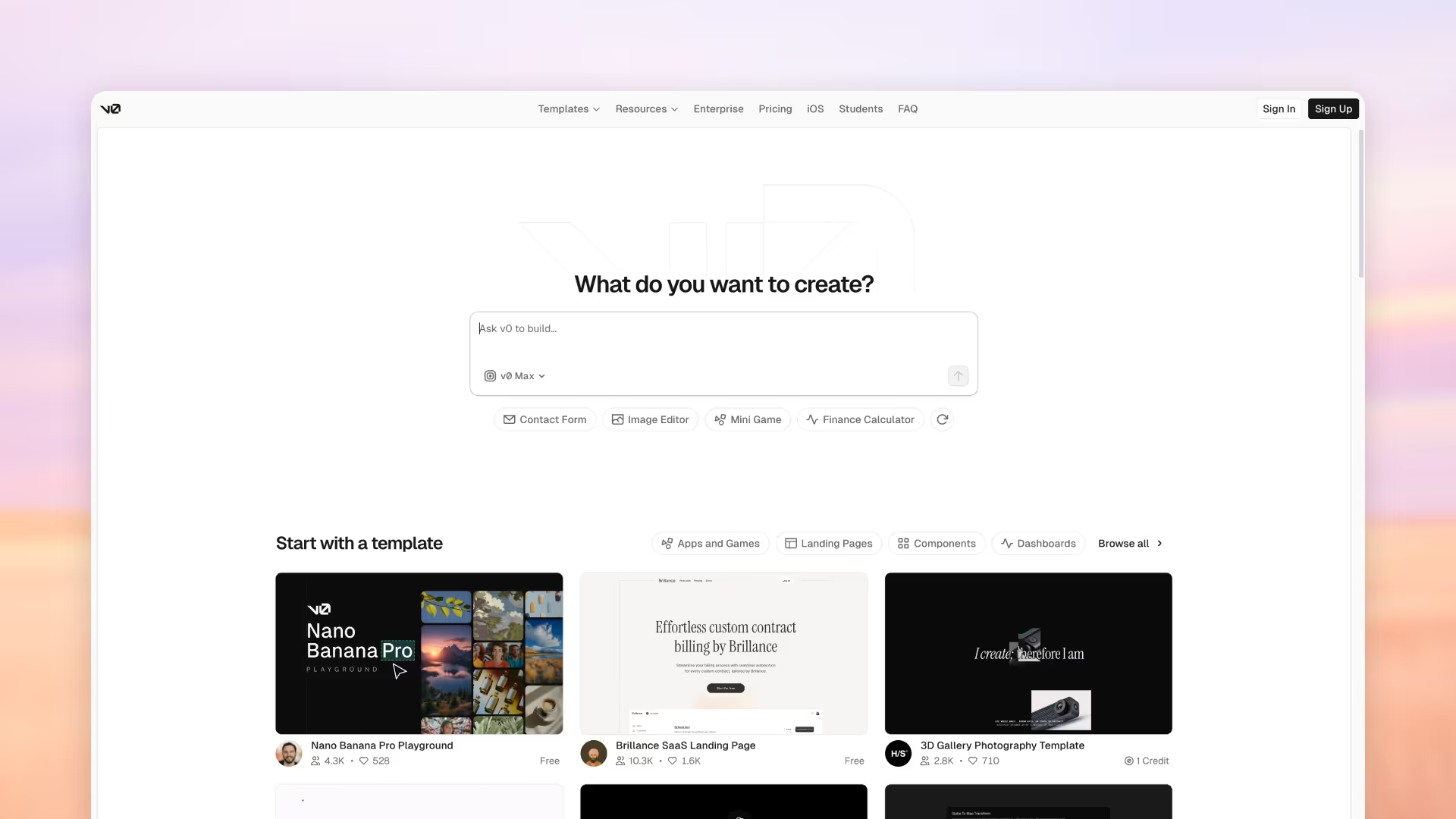
Created by the team behind Next.js, v0 specializes in generating high-quality UI components that integrate seamlessly with React-based frameworks. For front-end developers working within the Vercel ecosystem, v0 offers unmatched component quality and workflow integration.
Key Features
- Production-Ready Components: Clean, maintainable React code
- shadcn/ui Integration: Consistent styling out of the box
- Iterative Refinement: Improve components through conversation
- Direct Vercel Deployment: Seamless integration with Vercel hosting
- Easy Project Integration: Drop components into existing projects
Pros & Cons
Pricing
- Free Plan: $5 monthly credits
- Premium Plans: Starting at $20/month with $20 monthly credits
Who Is It Best For?
Front-end developers working with React and Next.js who want to accelerate UI development will find v0 perfectly suited to their workflow.
7: Windsurf – Best for Large-Scale Projects

For enterprise teams tackling complex, large-scale applications, Windsurf positions itself as the professional-grade vibe coding solution. Its deep codebase understanding and collaboration features make it a powerful choice for teams working on multi-file projects.
Key Features
- Deep Codebase Understanding: Comprehends large, complex projects
- Team Collaboration: Built for professional development teams
- Advanced Code Review: AI-powered review capabilities
- Enterprise Security: Compliance and security features
- Custom Model Fine-Tuning: Adapt the AI to your codebase
Pros & Cons
Pricing
- Free Plan: 25 monthly credits
- Paid Plans: Starting at $15/month for 500 credits
Who Is It Best For?
Development teams at companies who need robust tooling for large, complex codebases will benefit most from Windsurf's enterprise capabilities.
8: Claude Code – Best for Complex Reasoning and Problem-Solving
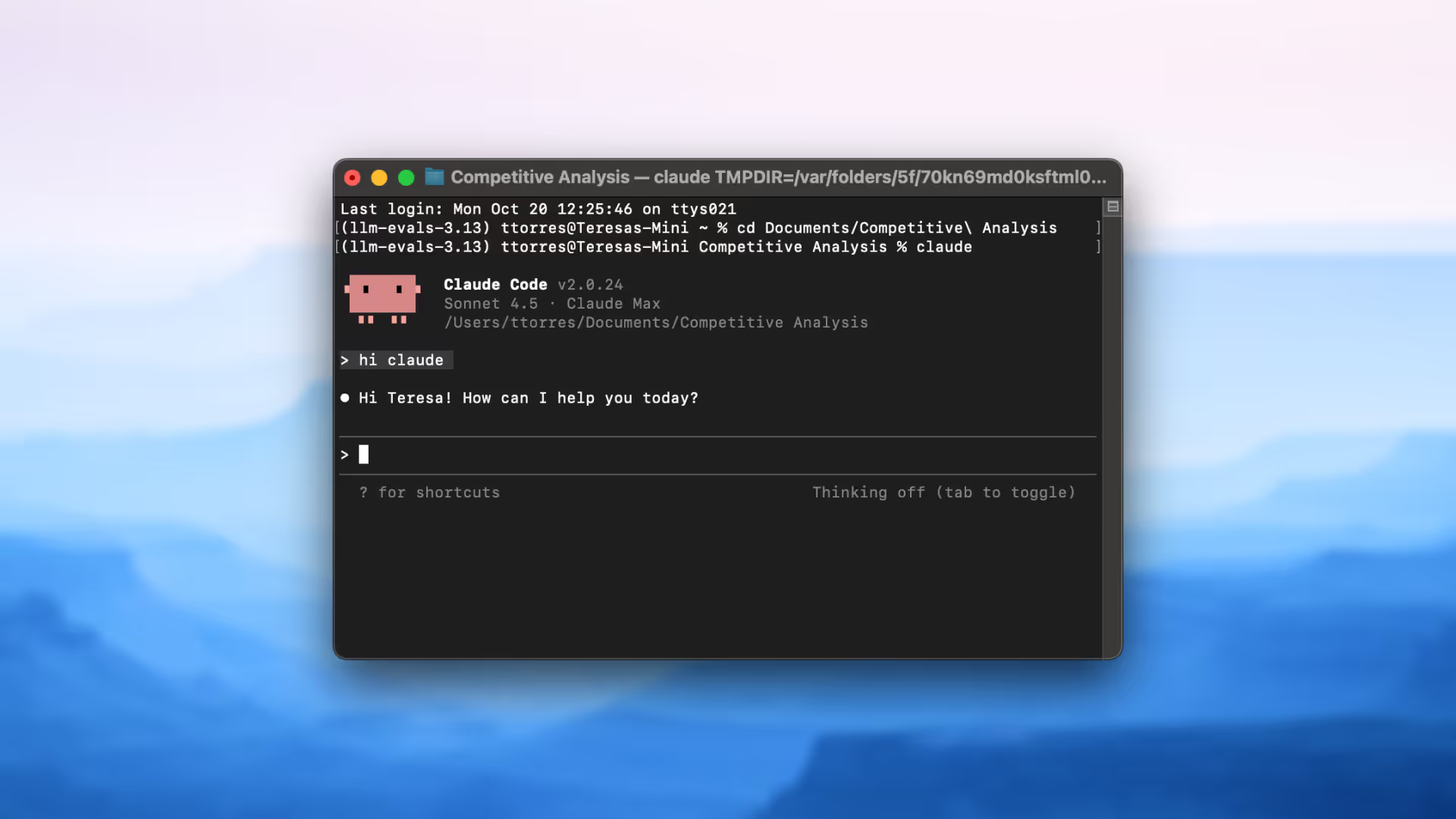
From Anthropic, Claude Code brings advanced reasoning capabilities to software development. Its terminal-based interface and large context window make it a powerful tool for experienced developers who prefer command-line workflows and need AI that can think deeply about complex problems.
Key Features
- Advanced Reasoning: Tackles complex coding challenges with deep analysis
- Large Context Window: Understands big codebases in their entirety
- Terminal-Based Interface: Power user-friendly CLI experience
- Strong Debugging: Excels at finding and fixing complex bugs
- IDE Integration: Works with popular development environments
Pros & Cons
Pricing
- Claude Pro: $20/month ($17/month billed annually)
- API Access: Usage-based pricing
Who Is It Best For?
Experienced developers tackling complex problems that require deep reasoning and analysis will find Claude Code indispensable.
9: Base44 – Best for No-Code App Building
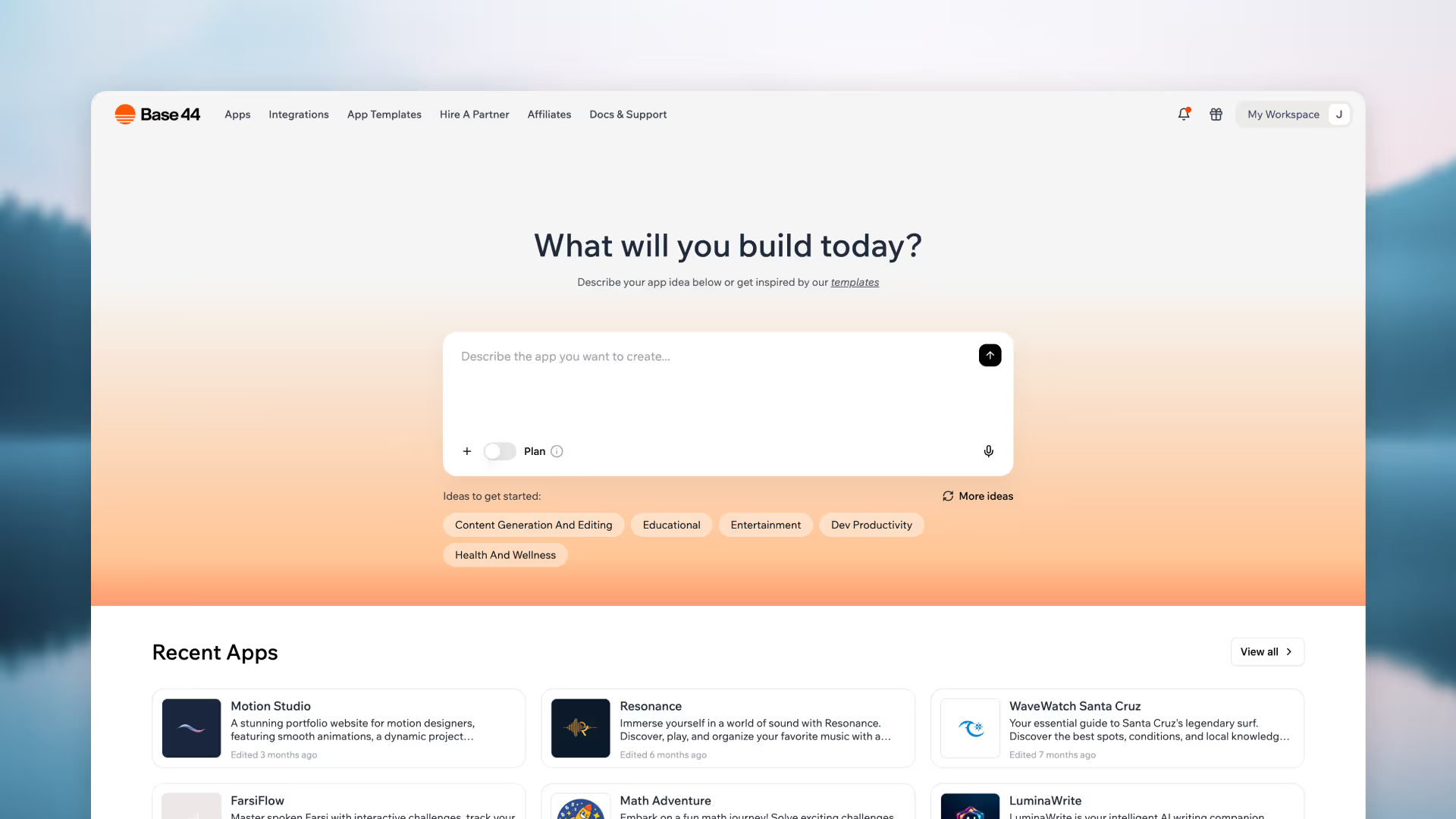
For non-technical founders and beginners, Base44 offers an AI-powered no-code solution that uses only natural language. The platform handles everything from UI to database schema automatically, making it incredibly easy to go from idea to live app.
Key Features
- Natural Language Building: Describe your app in plain English
- Automatic Backend: Database and authentication handled automatically
- Built-in Hosting: One-click deployment included
- Visual Editor: Responsive editing and analytics
- Multi-User Collaboration: Team editing capabilities
Pros & Cons
Pricing
- Free Plan: 25 message credits monthly
- Paid Plans: Starting at $20/month ($16/month billed annually)
Who Is It Best For?
Non-technical founders, entrepreneurs, and anyone new to vibe coding who wants to build simple to medium complexity apps without writing code.
10: Emergent – Best for Agent-Based Development
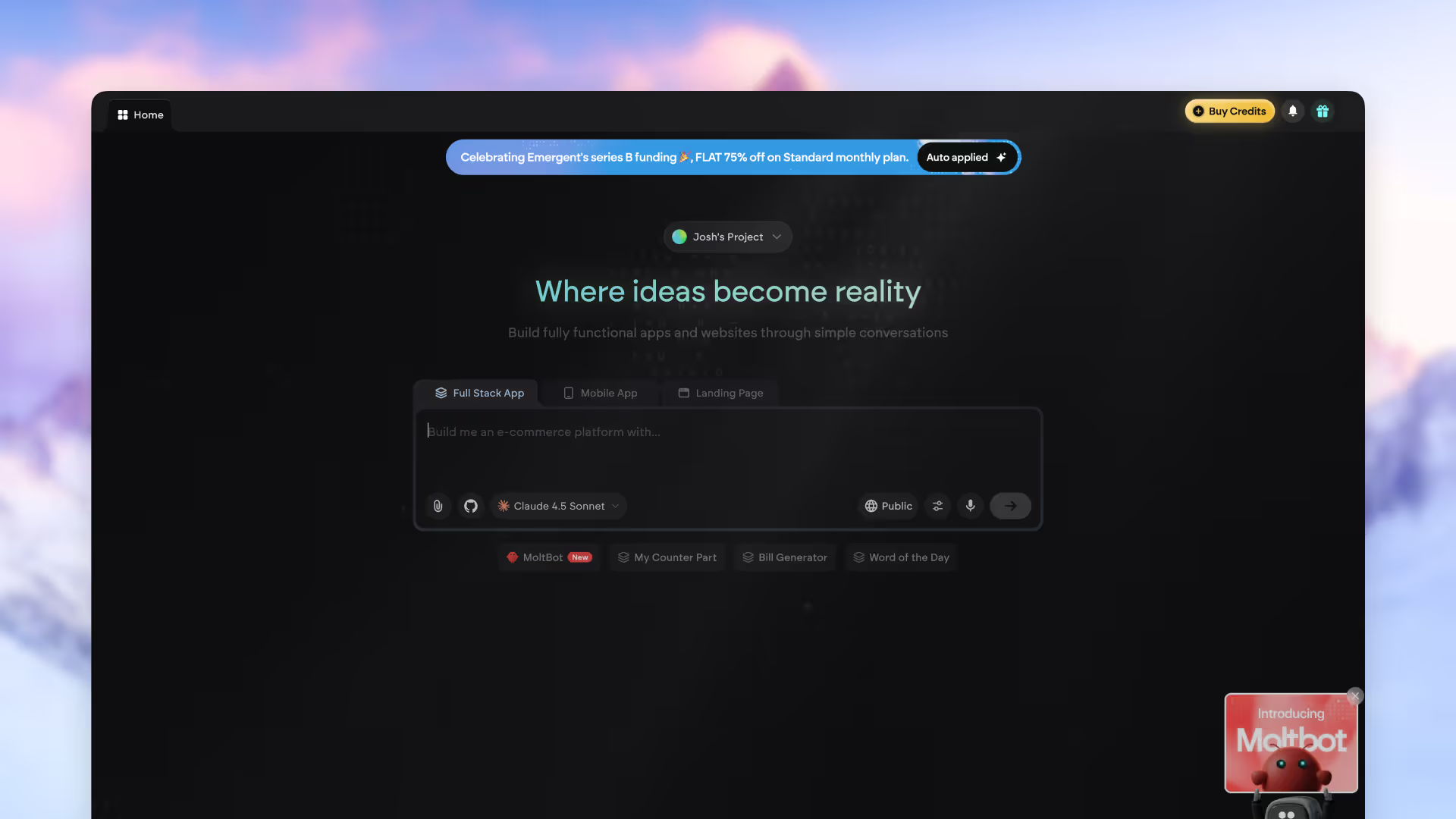
Backed by Y Combinator with a $300M valuation, Emergent uses a coordinated team of specialized AI agents to design, code, and deploy full-stack applications. This agent-based approach enables high automation and production-ready output.
Key Features
- Coordinated AI Agents: Specialized agents for different development tasks
- Full-Stack Capability: Build web and mobile apps through conversation
- Production-Ready Output: Code quality suitable for deployment
- GitHub Integration: Seamless version control
- 1M Context Window: Large context on Pro plan
Pros & Cons
Pricing
- Free Plan: 10 monthly credits
- Standard: $20/month (billed annually) for 100 credits
- Pro: $200/month (billed annually) for 750 credits
Who Is It Best For?
Serious creators and brands who want to leverage agent-based development for production-ready full-stack applications.
11: GitHub Copilot – Best for IDE Integration
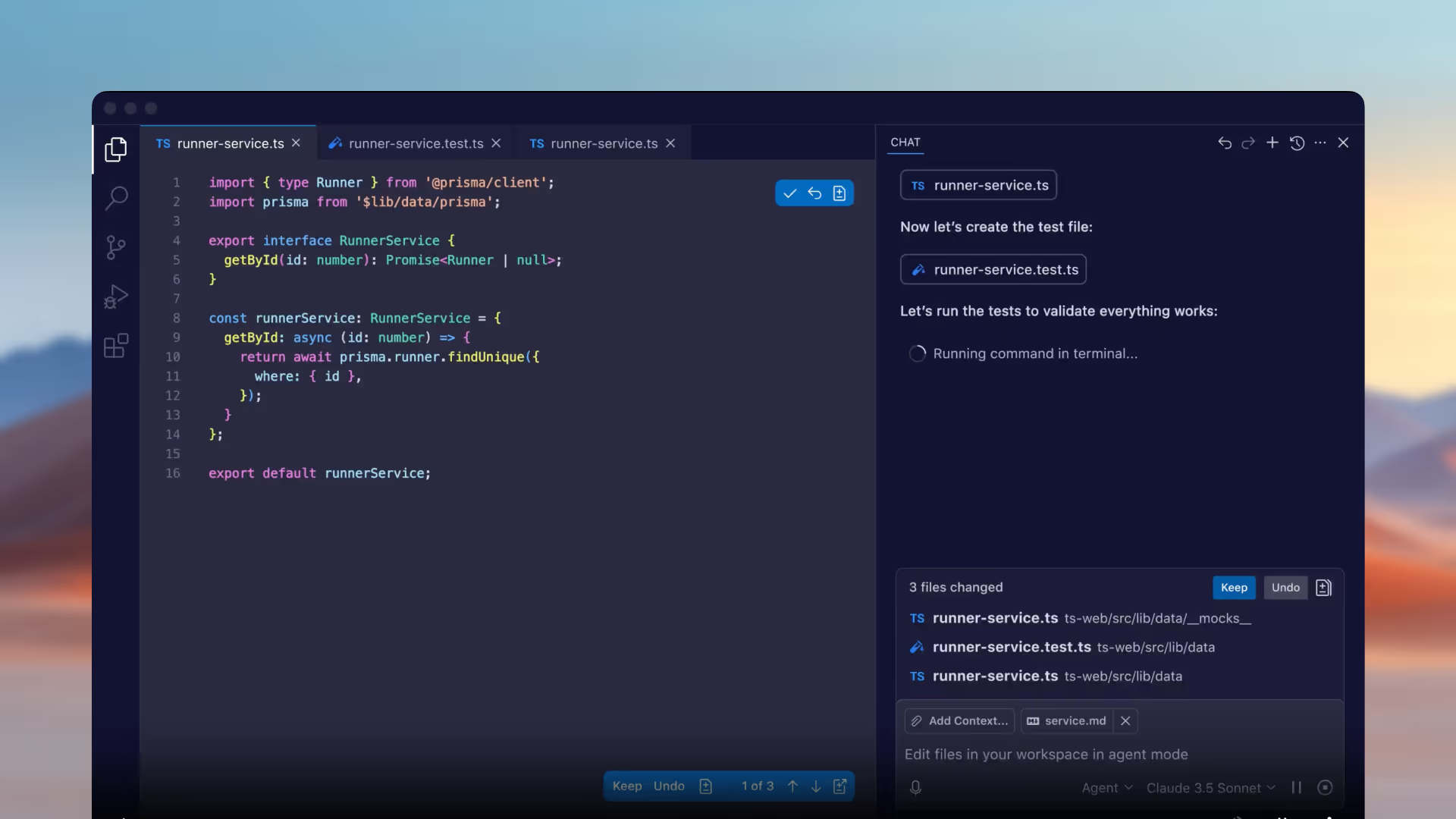
As the original AI pair programmer, GitHub Copilot remains an indispensable tool for millions of developers. Its deep integration with popular IDEs and the GitHub ecosystem makes it a natural choice for teams already invested in GitHub's platform.
Key Features
- Advanced Code Completion: Intelligent, multi-line suggestions
- Copilot Chat: In-IDE AI conversation
- Agent Mode: Autonomous work on issues and PRs
- Broad IDE Support: Works with VS Code, JetBrains, and more
- GitHub Integration: Native ecosystem integration
Pricing
- Free Tier: Limited features for individual developers
- Individual: $19/month or $100/year
- Business: $19/user/month
Who Is It Best For?
Developers and teams already using GitHub who want seamless AI assistance integrated into their existing workflow.
12: Devin AI – Best for Autonomous Software Development
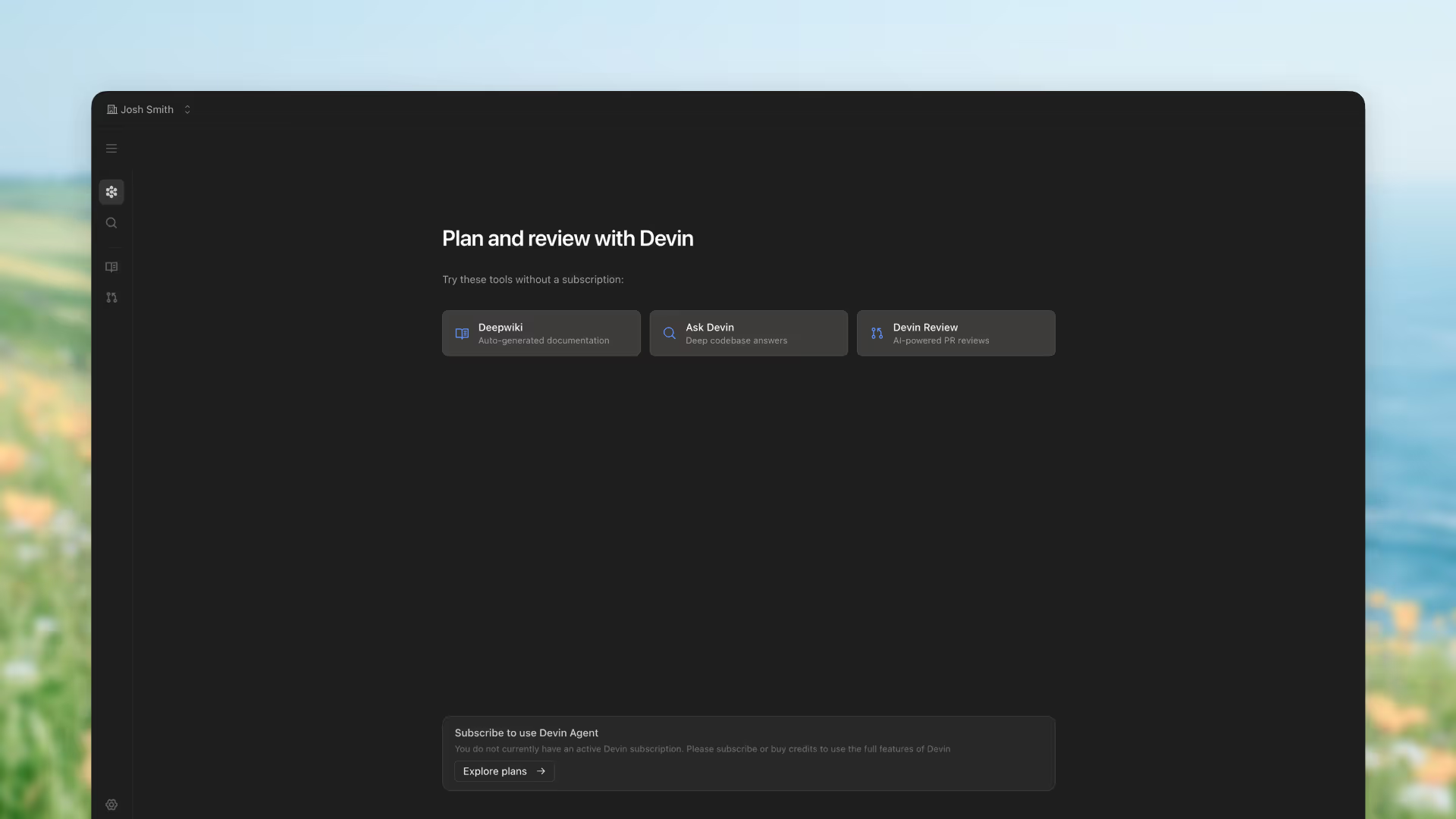
Devin AI represents the cutting edge of autonomous software development. It can plan, code, debug, and deploy applications from start to finish, working like a tireless junior developer that handles implementation while you focus on architecture and strategy.
Key Features
- End-to-End Development: Plans, codes, debugs, and deploys
- VS Code-Like Workspace: Familiar interface for monitoring and editing
- Interactive Planning: Collaborate on task breakdown
- Automatic Documentation: Wiki generated as it works
- GitHub Integration: Push updates directly to repositories
Pricing
- Core Plan: $20 pay-as-you-go
- Team Plan: $500/month for small companies
Who Is It Best For?
Developers and small engineering teams who want to accelerate projects by delegating implementation tasks to an autonomous AI developer.
How to Choose the Right Vibe Coding Tool
Consider Your Technical Background
If you have coding experience, tools like Cursor, Claude Code, and SuperNinja will feel natural and give you more control. If you're less technical, Base44, Lovable, and Replit offer more guided, no-code experiences.
Define Your Project Scope
- Quick prototypes and UI experiments: Bolt.new, v0
- Full applications with backend: Replit, Windsurf, SuperNinja
- End-to-end automation: SuperNinja, Devin AI
- Agent-driven development: Emergent, SuperNinja
Evaluate Your Budget
Free tiers are great for exploration, but heavy usage can lead to unexpected costs. SuperNinja offers predictable pricing starting at $16/month with comprehensive features, while enterprise tools like Windsurf require larger investments.
Why SuperNinja Stands Out in 2026
While each tool on this list excels in specific areas, SuperNinja by NinjaTech AI represents the most complete vibe coding solution available today. Here's why:
- True Autonomy: SuperNinja doesn't just generate code—it researches, plans, builds, tests, and deploys complete applications autonomously.
- Unmatched Model Access: With 40+ AI models including GPT-5, Claude Sonnet 4.5, and Gemini 3.0 Pro, you're never limited by a single AI's capabilities.
- Secure Infrastructure: Every agent runs in its own dedicated VM, providing enterprise-grade security without enterprise complexity.
- Flexible Pricing: From $16/month for individuals to unlimited plans for power users, SuperNinja scales with your needs.
- Beyond Coding: SuperNinja handles research, content creation, image generation, and workflow automation—making it a true all-in-one AI platform.
Frequently Asked Questions
What is vibe coding?
Vibe coding is a software development approach where you use natural language prompts to describe what you want to build, and AI generates the code for you. It focuses on the overall goal or "vibe" rather than specific implementation details.
Is vibe coding the future of software development?
While it won't completely replace traditional coding, vibe coding is becoming essential to modern development workflows. It excels at accelerating prototyping, automating repetitive tasks, and making development accessible to non-programmers.
Can I build production-ready applications with vibe coding tools?
Yes, tools like SuperNinja, Replit, Windsurf, and Emergent can produce production-ready applications. The best choice depends on your specific requirements and technical expertise.
Which vibe coding tool is best for beginners?
For beginners, SuperNinja, Base44, and Lovable offer the most user-friendly experiences with minimal technical knowledge required. SuperNinja is particularly beginner-friendly because it handles all technical complexity automatically.
How does SuperNinja compare to other vibe coding tools?
SuperNinja differentiates itself through true autonomous capability, access to 40+ AI models, secure VM infrastructure, and the ability to handle tasks beyond coding including research, design, and deployment—all from a single platform.

