개요
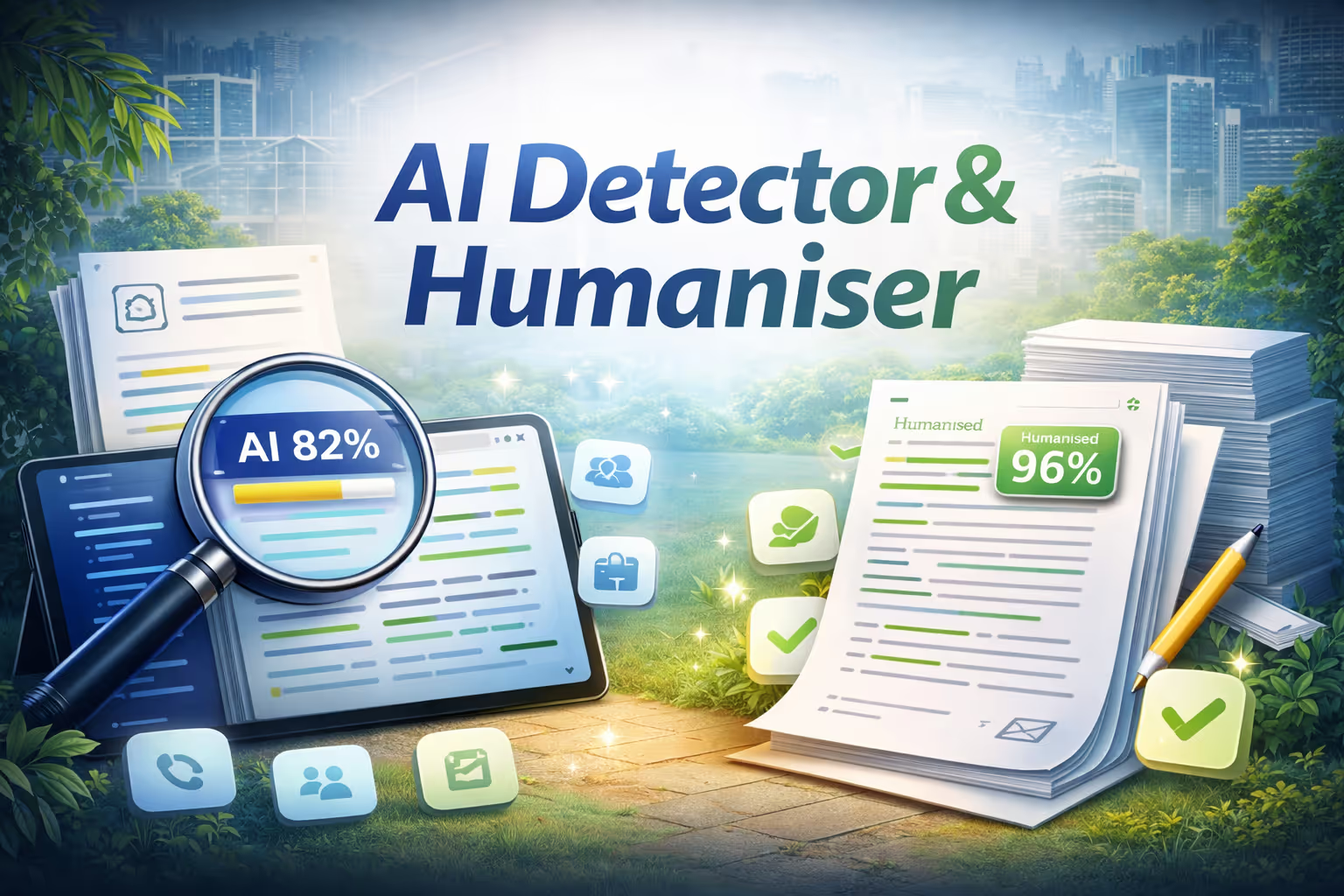
Humanizer는 모든 글을 분석하여 사람이 작성했는지 아니면 AI가 작성했는지 확인합니다.텍스트를 붙여넣거나, 파일을 업로드하거나, URL을 드롭하면 모든 문장이 AI가 생성한 (빨간색) 또는 진짜 사람이 만든 (녹색) 으로 즉시 강조 표시됩니다.신뢰도 점수는 빠르게 결론을 내릴 수 있게 해주며, 일반 언어로 요약하면 감지된 주요 신호를 설명합니다.분석이 완료되면 “Humanize This Text”를 한 번 클릭하면 AI 플래그가 지정된 모든 문장을 다양한 문장 길이, 자연스러운 축소, 제거된 로봇 전환, 액티브 보이스와 같은 고급 언어 기술을 사용하여 다시 작성됩니다.전후를 나란히 놓고 볼 수 있고, 전체 변경 사항 목록과 텍스트가 AI 감지 가능 수준이 얼마나 떨어졌는지 보여주는 재분석 점수를 받을 수 있습니다.
Key features
- Sentence-level AI detection
- One-click humanization
- Before and after comparison
- Confidence scoring
작동 원리
- 텍스트를 붙여넣거나, 파일을 업로드하거나, URL을 삽입하세요.
- Humanizer는 문장 수준에서 콘텐츠를 분석하여 AI가 생성하고 사람이 작성한 섹션에 색상 코딩과 신뢰도 점수를 표시합니다.
- 원래 의미를 유지하면서 플래그가 지정된 문장을 자동으로 다시 쓰려면 “Humanize This Text”를 클릭하십시오.
- 전후 비교를 검토하고 업데이트된 탐지 점수를 확인하고 최종 텍스트를 클립보드에 복사합니다.
설정이나 구성이 필요 없습니다.빠르고, 비공개이며, 간편합니다.

휴머나이저
에 의해
닌자테크 AI
AI 모델
지정 안 함
통합
깃허브
슈퍼닌자에서 무료로 체험하기



이미 구축되었습니다.바로 사용할 수 있습니다.
닌자 앱 스토어를 둘러보고 앱을 골라 지금 바로 사용해 보세요. 모두 SuperNinja에서 가능합니다.