Humanizador
Visión general
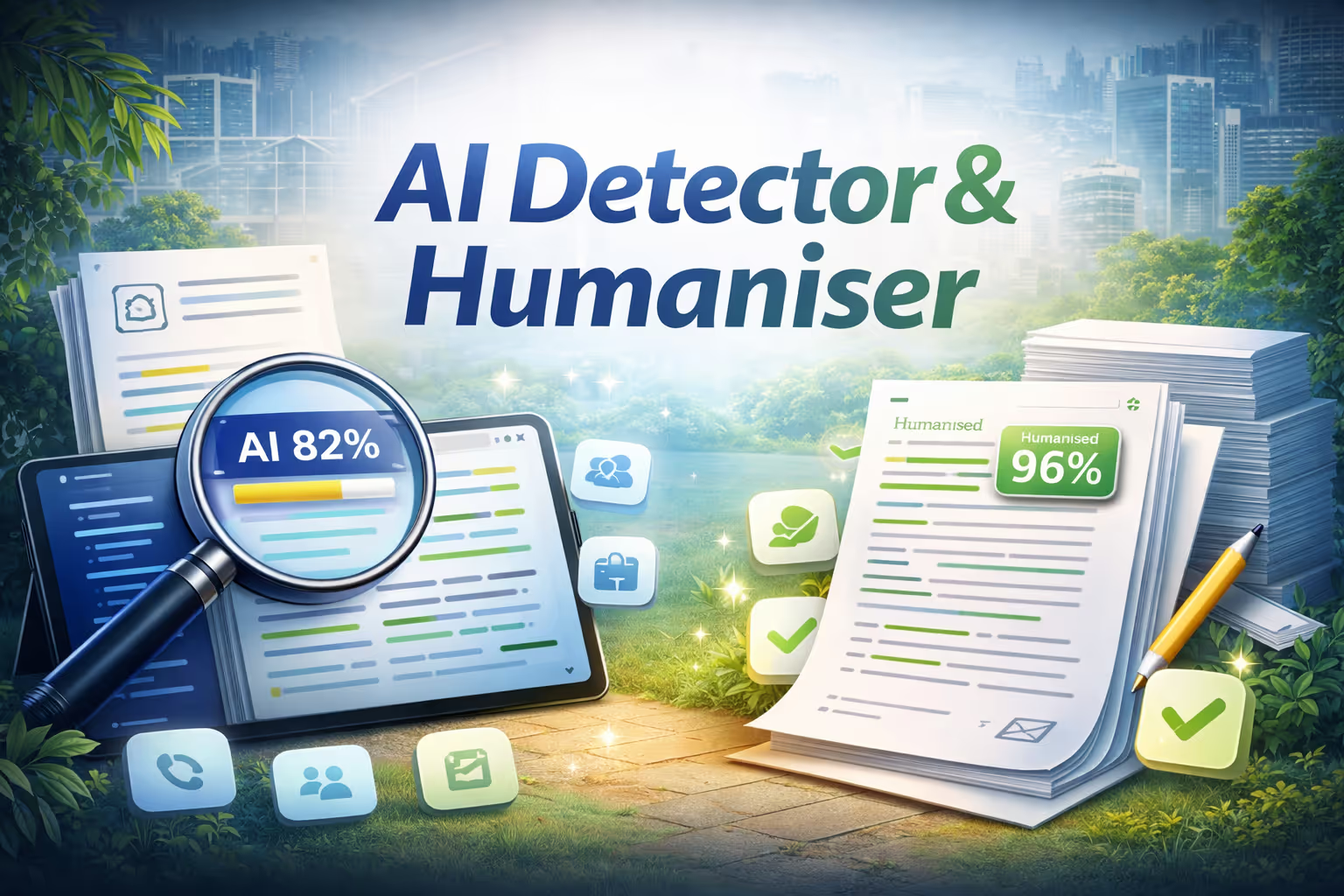
Humanizer analiza cualquier escrito para determinar si fue escrito por un humano o generado por la IA. Al pegar texto, subir un archivo o insertar una URL, resalta al instante cada oración como generada por la IA (rojo) o auténticamente humana (verde). Una puntuación de confianza te da un veredicto rápido, y un resumen en lenguaje sencillo explica las principales señales detectadas. Una vez finalizado el análisis, con un solo clic en «Humanizar este texto» se reescriben todas las frases marcadas por la IA mediante técnicas lingüísticas avanzadas, como la longitud variable de las frases, las contracciones naturales, las transiciones robóticas reducidas y la voz activa. Obtienes una vista paralela del antes y el después, una lista completa de los cambios y una puntuación reanalizada que muestra cuánto menos detectable por la IA se ha vuelto tu texto.
Key features
- Sentence-level AI detection
- One-click humanization
- Before and after comparison
- Confidence scoring
Cómo funciona
- Pega el texto, sube un archivo o coloca una URL.
- Humanizer analiza el contenido a nivel de oración, marcando las secciones generadas por IA y escritas por humanos con códigos de colores y una puntuación de confianza.
- Haz clic en «Humanizar este texto» para reescribir automáticamente las frases marcadas sin perder el significado original.
- Revisa la comparación del antes y el después, comprueba la puntuación de detección actualizada y copia el texto final en el portapapeles.
No es necesaria ninguna instalación ni configuración. Rápido, privado y sin esfuerzo.

Humanizador
Por
IA de NinjaTech
Modelos de IA
No se especificó ninguno
Integraciones
None specified

Navega por la Ninja App Store, elige una aplicación y comienza a usarla hoy mismo, todo dentro de SuperNinja.