Humanizador
Visão geral
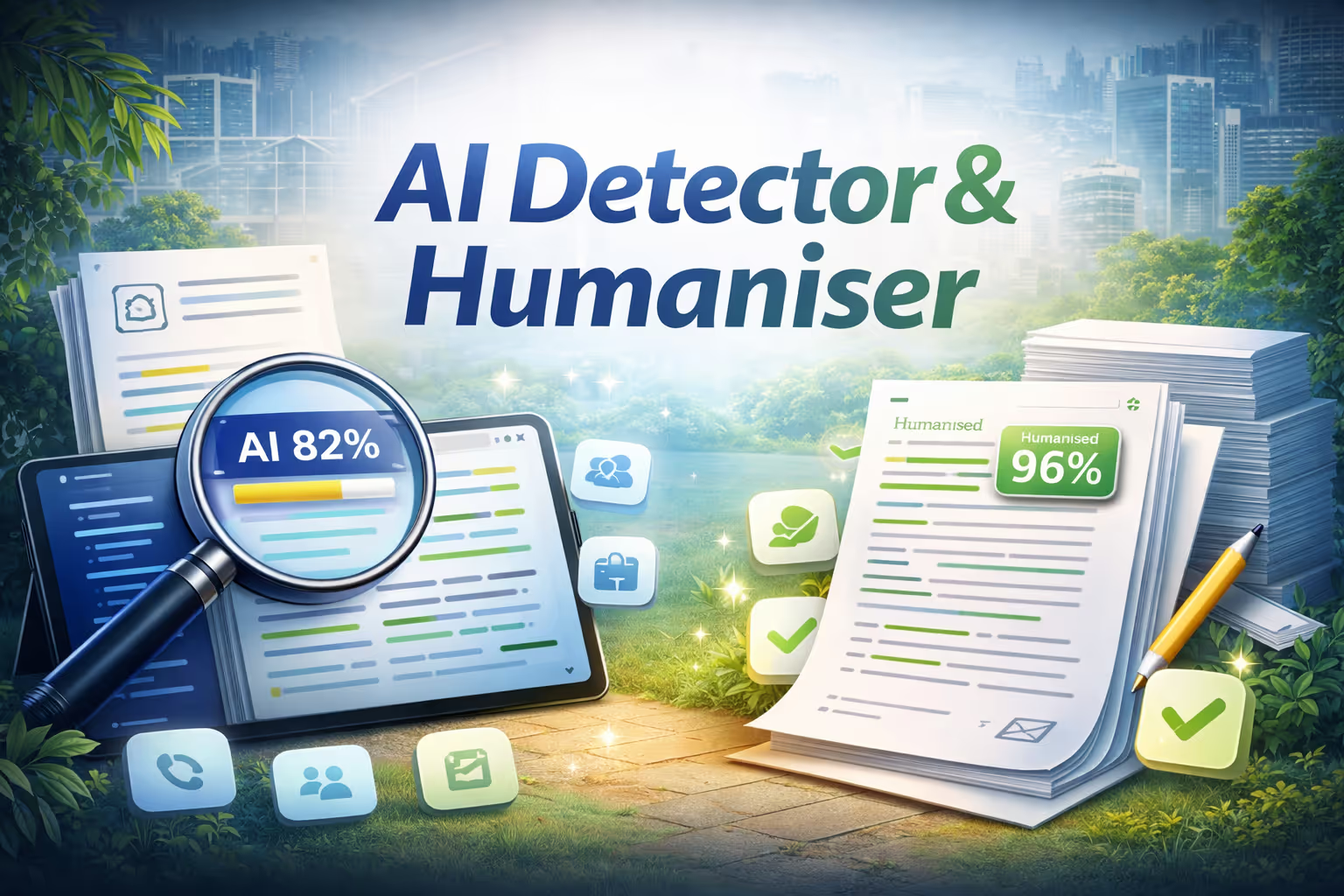
O Humanizer analisa qualquer texto para determinar se ele foi escrito por um humano ou gerado pela IA. Cole texto, faça upload de um arquivo ou insira um URL, e ele destacará instantaneamente cada frase como gerada por IA (vermelha) ou autenticamente humana (verde). Uma pontuação de confiança fornece um veredicto rápido, e um resumo em linguagem simples explica os principais sinais detectados. Quando a análise estiver concluída, um único clique em “Humanizar este texto” reescreve cada frase sinalizada pela IA usando técnicas avançadas de linguagem, como duração variada de frases, contrações naturais, transições robóticas simplificadas e voz ativa. Você obtém uma visualização lado a lado de antes e depois, uma lista completa de alterações e uma pontuação de reanálise mostrando o quanto seu texto se tornou menos detectável por IA.
Key features
- Sentence-level AI detection
- One-click humanization
- Before and after comparison
- Confidence scoring
Como funciona
- Cole seu texto, faça upload de um arquivo ou insira um URL.
- O Humanizer analisa o conteúdo no nível da frase, sinalizando seções geradas por IA e escritas por humanos com código de cores e uma pontuação de confiança.
- Clique em “Humanizar este texto” para reescrever automaticamente as frases sinalizadas, preservando seu significado original.
- Revise a comparação antes e depois, verifique a pontuação de detecção atualizada e copie o texto final para sua prancheta.
Nenhuma instalação ou configuração é necessária. Rápido, privado e fácil.

Humanizador
Por
Inteligência Artificial NinjaTech
Modelos de IA
Nenhum especificado
Integrações
None specified


Navegue pela Ninja App Store, escolha um aplicativo e comece a usá-lo hoje mesmo — tudo dentro do SuperNinja.