Overview
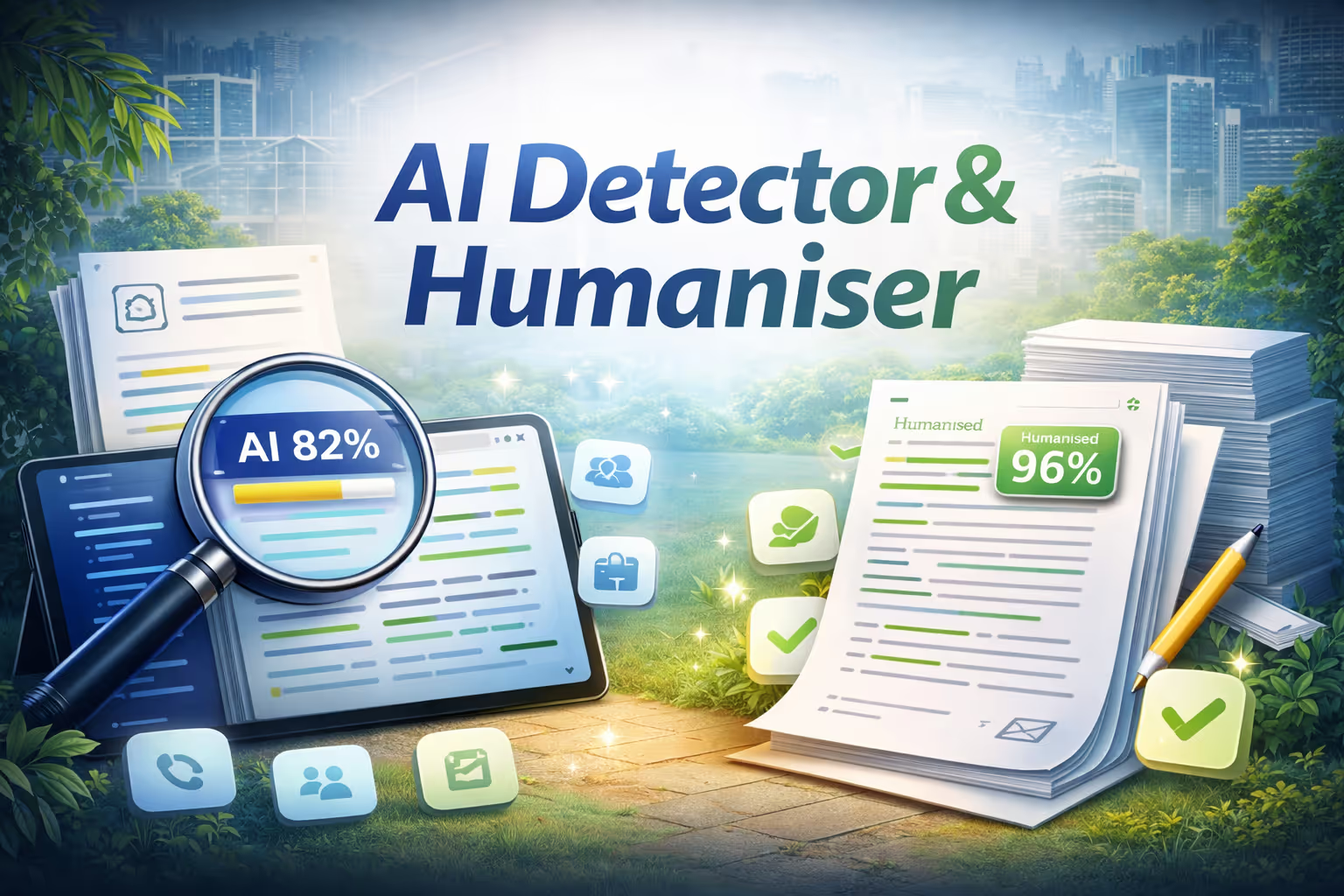
Check whether content is AI-generated or human-written. Paste text, upload a file, or enter a URL. Highlights AI-like sentences in red and human-like in green with confidence scores. One-click rewriting to sound more natural with side-by-side comparison.
Key features
- Sentence-level AI detection
- One-click humanization
- Before and after comparison
- Confidence scoring
Built by NinjaTech AI
Humanizer is one of NinjaTech's agentic applications. AI-native apps where intelligence is built in, not bolted on. Available exclusively on the SuperNinja platform, it runs in a secure, dedicated virtual machine and can be used as-is or fully customized to your workflow.

Humanizer
By
NinjaTech AI
AI Models
None specified
Integrations
None specified
Try for Free in SuperNinja



Already Built. Ready for you.
Browse the Ninja App Store, pick an app, and start using it today. All apps included in your subscription.