}

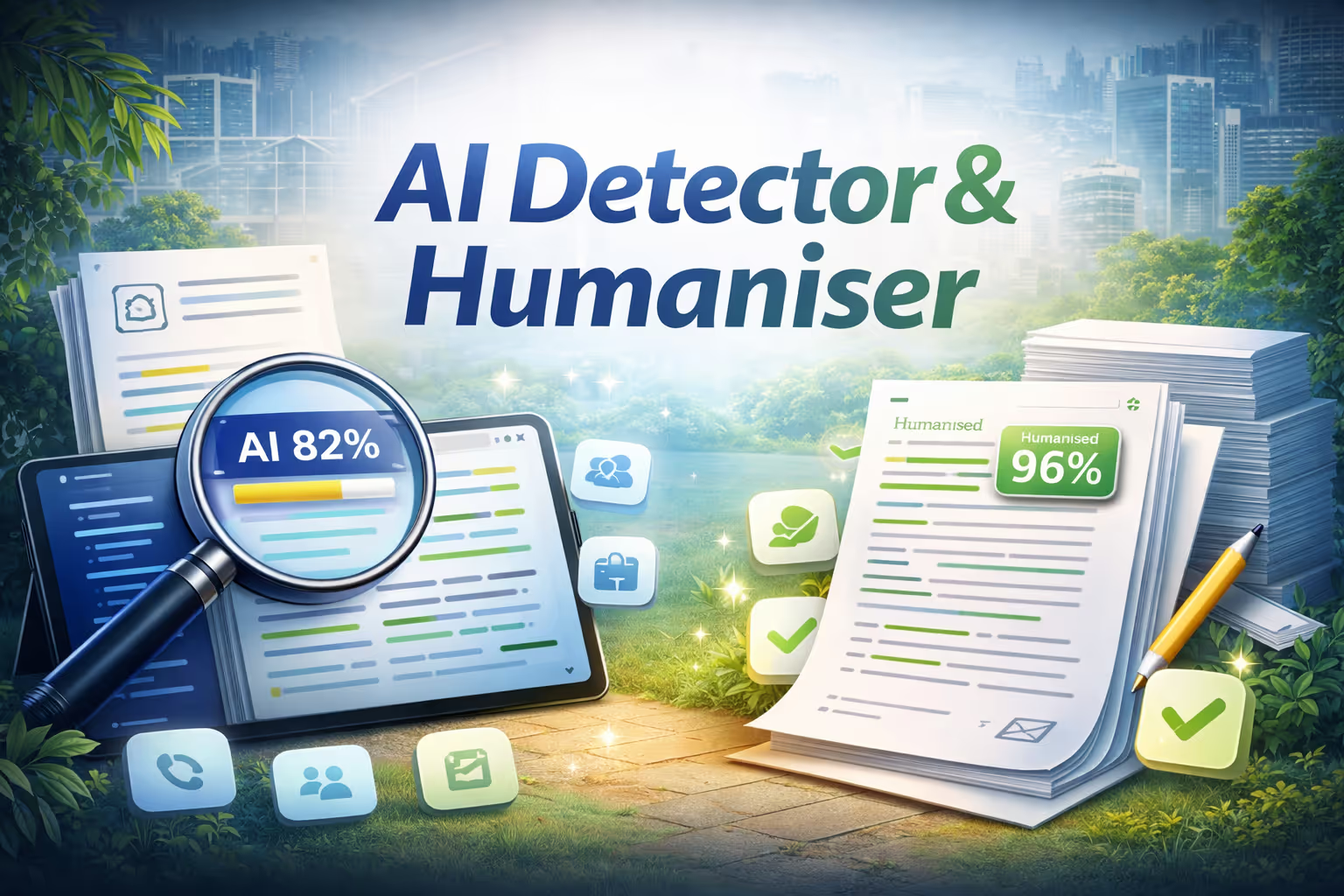
Detect AI-generated text at the sentence level, then humanize flagged content with a single click.

概述

Humanizer analyzes any piece of writing to determine whether it was written by a human or generated by AI. Paste text, upload a file, or drop in a URL, and it instantly highlights every sentence as either AI-generated (red) or authentically human (green). A confidence score gives you a quick verdict, and a plain-language summary explains the key signals detected. Once analysis is complete, a single click on "Humanize This Text" rewrites every AI-flagged sentence using advanced language techniques like varied sentence length, natural contractions, stripped robotic transitions, and active voice. You get a side-by-side before and after view, a full list of changes, and a re-analysis score showing how much less AI-detectable your text has become.

它是如何运作的

  1. Paste your text, upload a file, or drop in a URL.
  2. Humanizer analyzes the content at the sentence level, flagging AI-generated and human-written sections with color coding and a confidence score.
  3. Click "Humanize This Text" to automatically rewrite flagged sentences while preserving your original meaning.
  4. Review the before and after comparison, check the updated detection score, and copy the final text to your clipboard.


No setup or configuration needed. Fast, private, and effortless.

Humanizer

NinjaTech AI

人工智能模型

None specified

整合

GitHub

在 SuperNinja 中免费试用

你可能会感兴趣

已经建成。为你准备好了。

浏览 Ninja 应用商店,选择一款应用程序,立即开始使用——全部在 SuperNinja 中完成。

Two stylized orange eyes with black pupils on a white background with orange corners.