概要
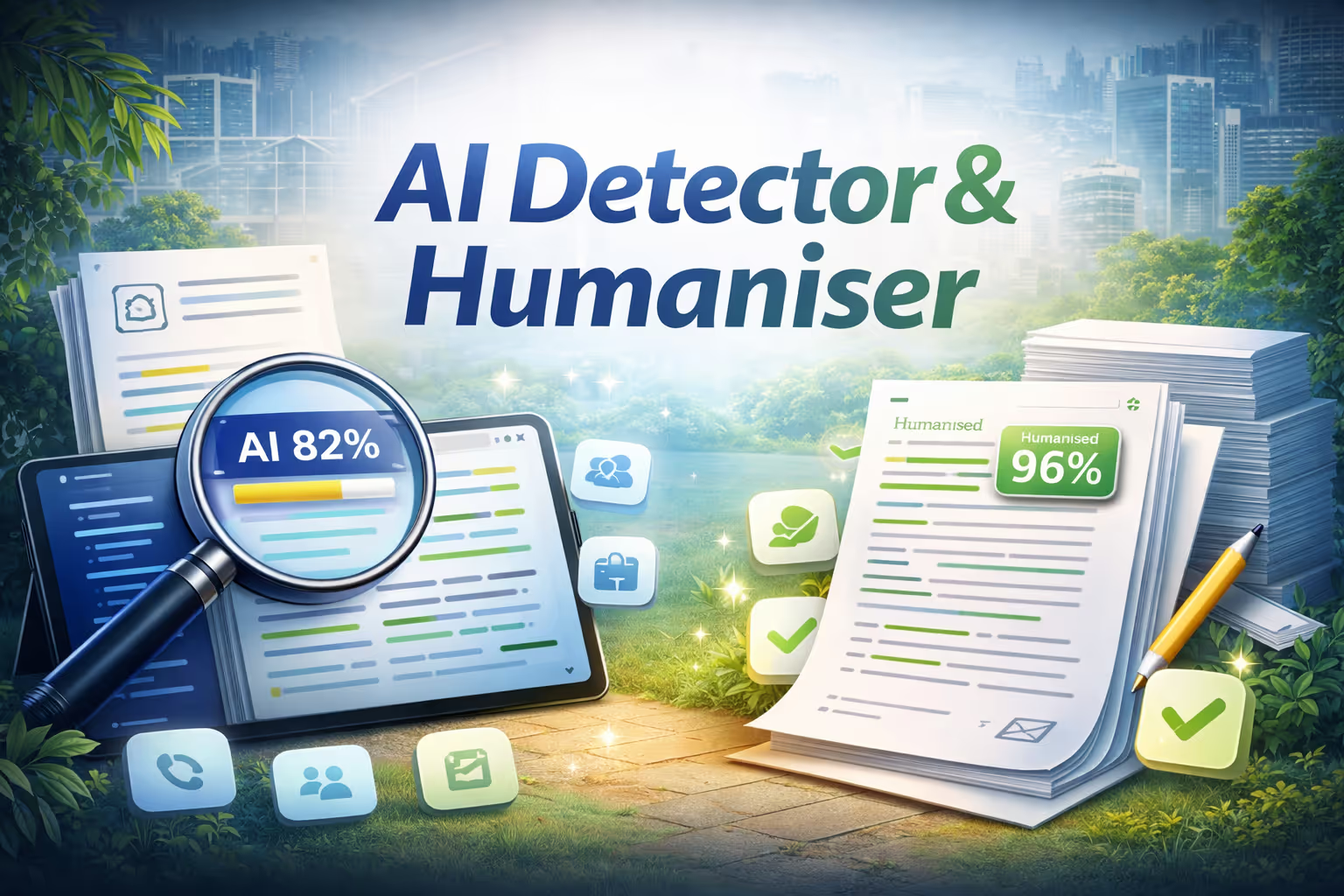
Humanizerはあらゆる文章を分析して、それが人間によって書かれたのか、それともAIによって生成されたのかを判断します。テキストを貼り付けたり、ファイルをアップロードしたり、URL をドロップしたりするだけで、すべての文が AI で生成された(赤)か、本物の人間(緑)かが即座に強調表示されます。信頼度スコアがあればすぐに判断が下され、検出された主なシグナルはわかりやすい言葉で要約されます。分析が完了したら、「Humanize This Text」を1回クリックするだけで、さまざまな文長、自然な縮約、除去されたロボットによる遷移、アクティブな音声などの高度な言語技術を使用して、AIにフラグが付けられたすべての文章が書き直されます。編集前と編集後を並べて表示し、変更の完全なリストを表示し、テキストが AI で検出されにくくなったかを示す再分析スコアが表示されます。
Key features
- Sentence-level AI detection
- One-click humanization
- Before and after comparison
- Confidence scoring
仕組み
- テキストを貼り付けるか、ファイルをアップロードするか、URL をドロップします。
- Humanizerはコンテンツを文章レベルで分析し、AIが生成したセクションと人間が書いたセクションに色分けと信頼スコアを付けてフラグを付けます。
- 「このテキストをヒューマナイズ」をクリックすると、元の意味を維持したまま、フラグ付きの文章が自動的に書き直されます。
- 前後の比較を確認し、更新された検出スコアを確認し、最終的なテキストをクリップボードにコピーします。
セットアップや設定は不要です。高速、プライベート、そして楽々。

ヒューマナイザー
によって
ニンジャテック AI
人工知能モデル
指定なし
インテグレーション
None specified
スーパーニンジャで無料でお試しください

すでに構築されています。準備は万端です。
Ninja App Storeを閲覧し、アプリを選んで、今すぐ使い始めましょう。すべてSuperNinja内で行えます。