Audio Call Analysis for Salesforce
Overview
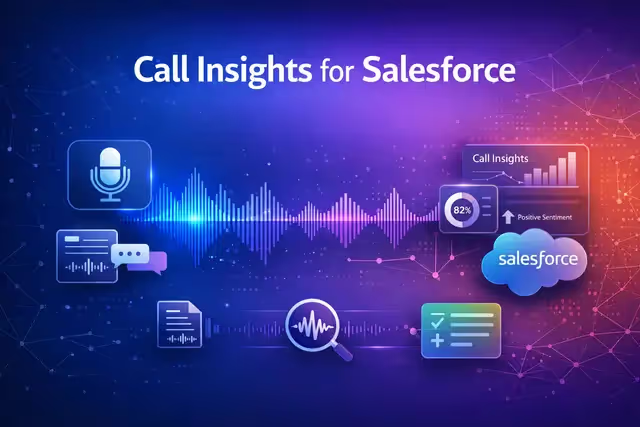
Upload an audio recording and SalesIQ does the rest. Get automatic transcription, key point extraction, sentiment analysis, and action item identification. Push insights straight to Salesforce, create follow-up tasks, update account records, and log meeting details.
Key features
- Automatic transcription
- Key point extraction & sentiment analysis
- Salesforce integration
- AI chat across calls
Built by NinjaTech AI
Audio Call Analysis for Salesforce is one of NinjaTech's agentic applications. AI-native apps where intelligence is built in, not bolted on. Available exclusively on the SuperNinja platform, it runs in a secure, dedicated virtual machine and can be used as-is or fully customized to your workflow.

Audio Call Analysis for Salesforce
By
NinjaTech AI
AI Models
None specified
Integrations
Salesforce



Browse the Ninja App Store, pick an app, and start using it today. All apps included in your subscription.